
Solar Powered Security Camera Information Hub | Section 4: Buying Guides & Comparisons
For a small Australian builder or property developer, construction-site monitoring often needs to begin before permanent electricity or broadband is available. Materials may arrive early, tools move between projects, and the site layout changes as work progresses.
A suitable solar security camera can provide remote visibility without depending on permanent mains wiring. However, the best purchase depends on recording requirements, network availability and the practicalities of maintaining a temporary installation.
This guide helps builders compare cameras for one or two residential projects. It focuses on equipment selection; A05 covers practical site applications in more detail.
1. Decide What the Camera Needs to Achieve
Start with the assets and activities you need to observe. A site entrance, tool container and materials storage area may require different views.
Distinguish occasional progress checks from security recording. A camera that is convenient for live viewing may not provide the recording history needed after an incident.
Also decide whether event footage is sufficient. If uninterrupted recording is essential, confirm that the complete camera and power system support it. A compact solar panel does not turn an event-only camera into a continuous recorder.
Keep the purchase within a wider security plan. NSW Police construction-site guidance recommends securing tools and materials and considering measures such as CCTV, motion sensors and patrols. A camera supports these arrangements rather than replacing physical security.
2. Choose a Connection That Will Be Available Throughout the Project
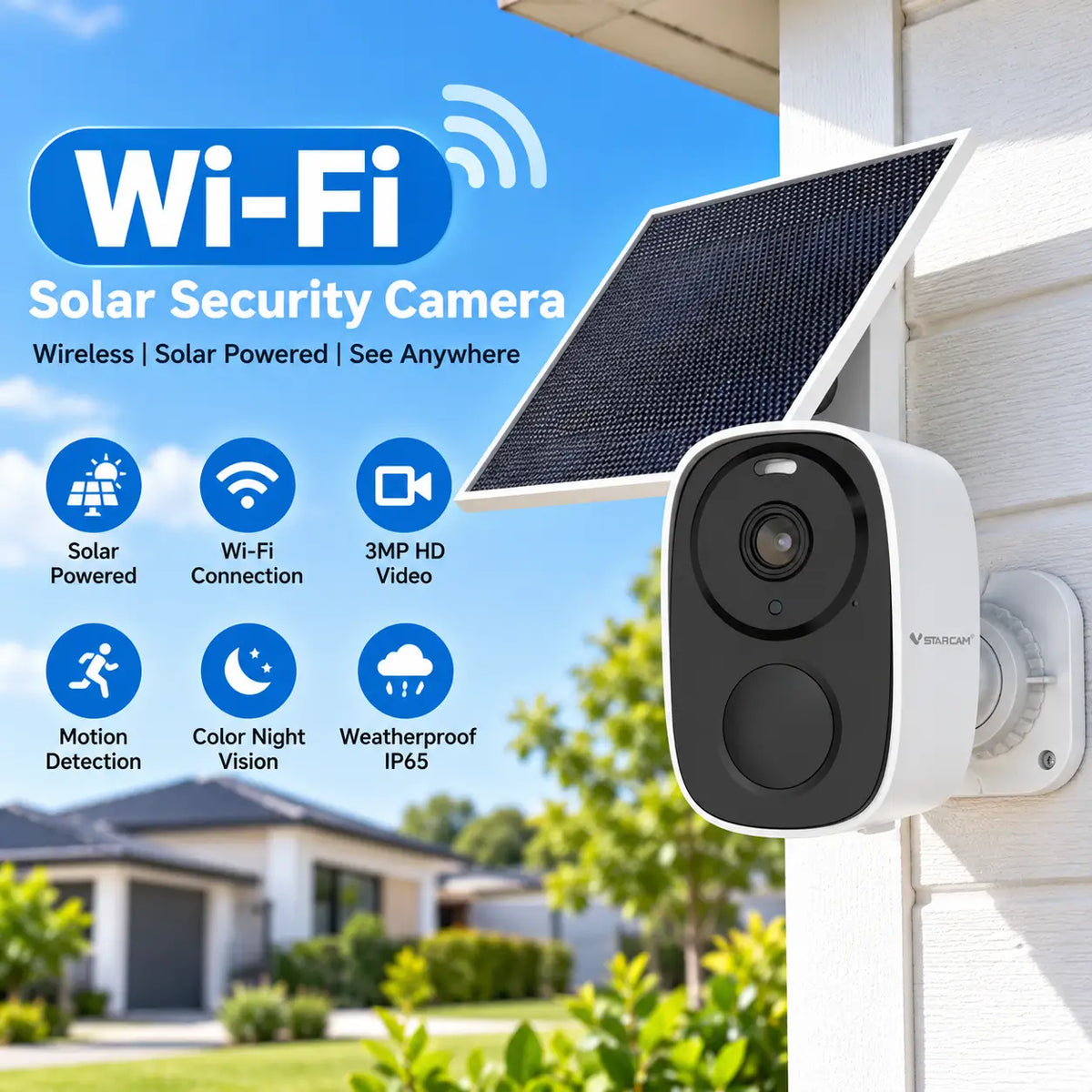
A Wi-Fi camera may suit a site with a reliable, authorised network connection that reaches the intended position. Confirm who controls that connection and whether it will remain available after hours.
Where fixed internet is absent, a compatible 4G solar camera may provide a more independent option. Check Australian network compatibility, approved SIM arrangements and reception at the actual location before committing to a model.
Do not assume the network will perform identically across separate projects. A camera that worked well at the previous build may need a different supported service or mounting position at the next site.
Ask whether the app reports loss of connection, how the camera reconnects and which recording functions continue offline. Loss of remote access and loss of local recording are separate issues.
3. Compare Recording and Evidence Recovery
Recording access deserves at least as much attention as the live image.
Check the following before buying:
- Whether recordings are event-triggered, scheduled or continuous.
- How long an event clip can last and whether recording gaps occur.
- Whether pre-event footage is available.
- How recordings are found, played back and downloaded.
- Whether the date and time are recorded correctly.
- What happens when local storage is full or connectivity is lost.
Local storage can preserve supported recordings without uploading every clip. However, footage stored only inside a camera may disappear with it if the device is stolen.
Cloud backup can preserve recordings successfully uploaded and retained by the service. Confirm supported plans, retention periods and download options. Do not assume an alert proves that the complete event has already been backed up.
For high-value storage areas, consider whether the proposed evidence recovery arrangement remains useful after camera damage or removal.
4. Match Coverage to Priority Locations
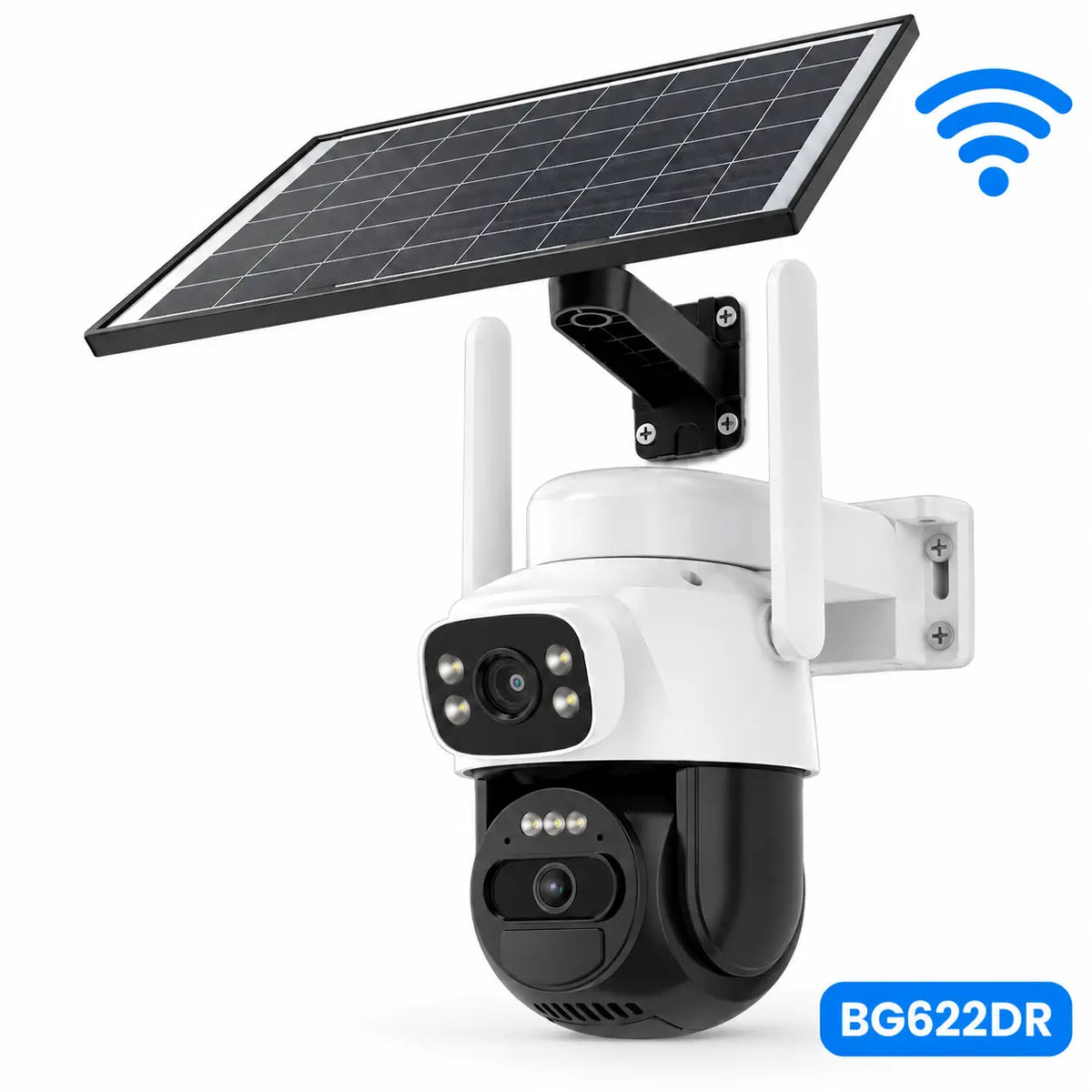
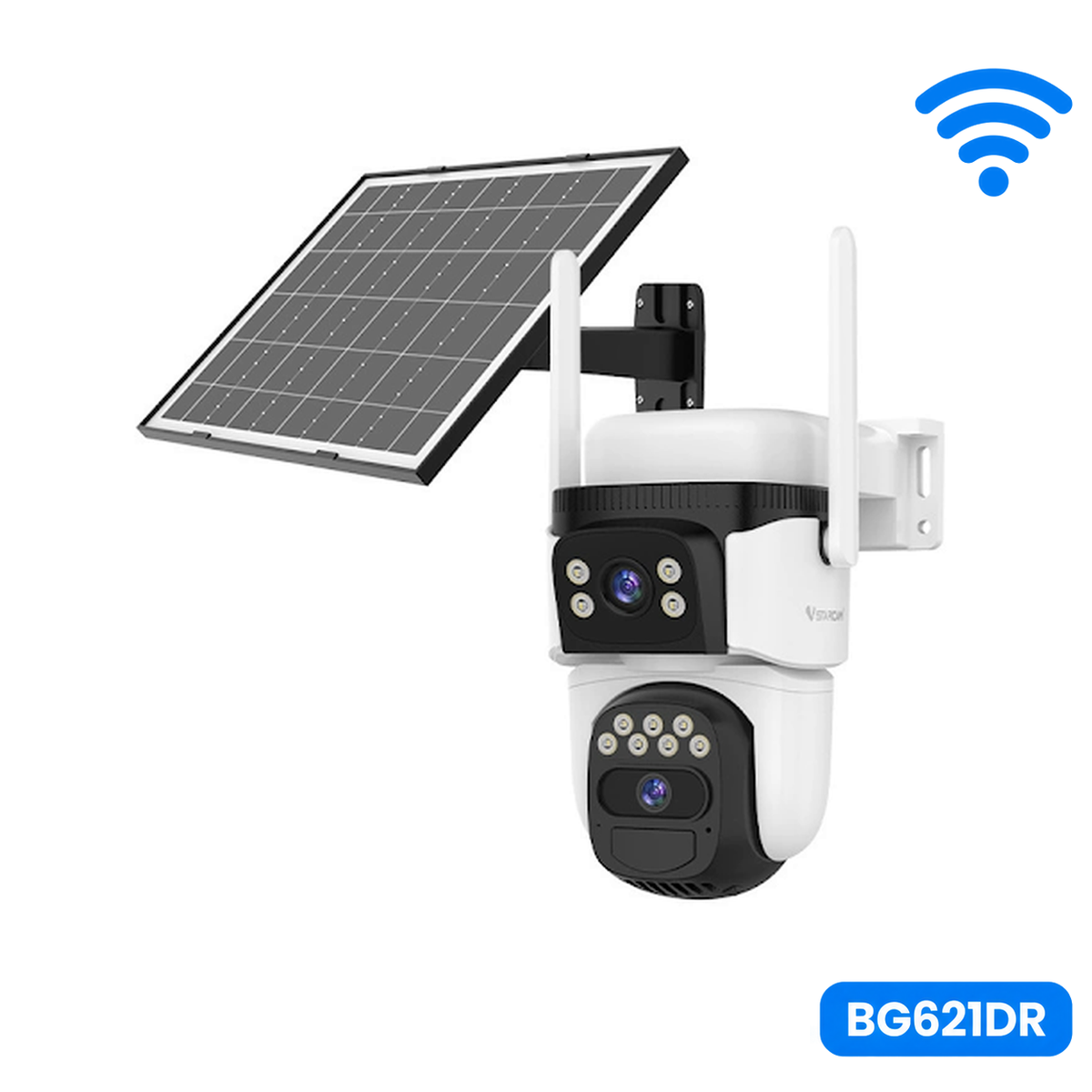
A fixed view can consistently cover a gate or container entrance. A PTZ camera provides remote inspection of a wider work area, but its movable lens may point away from another location.
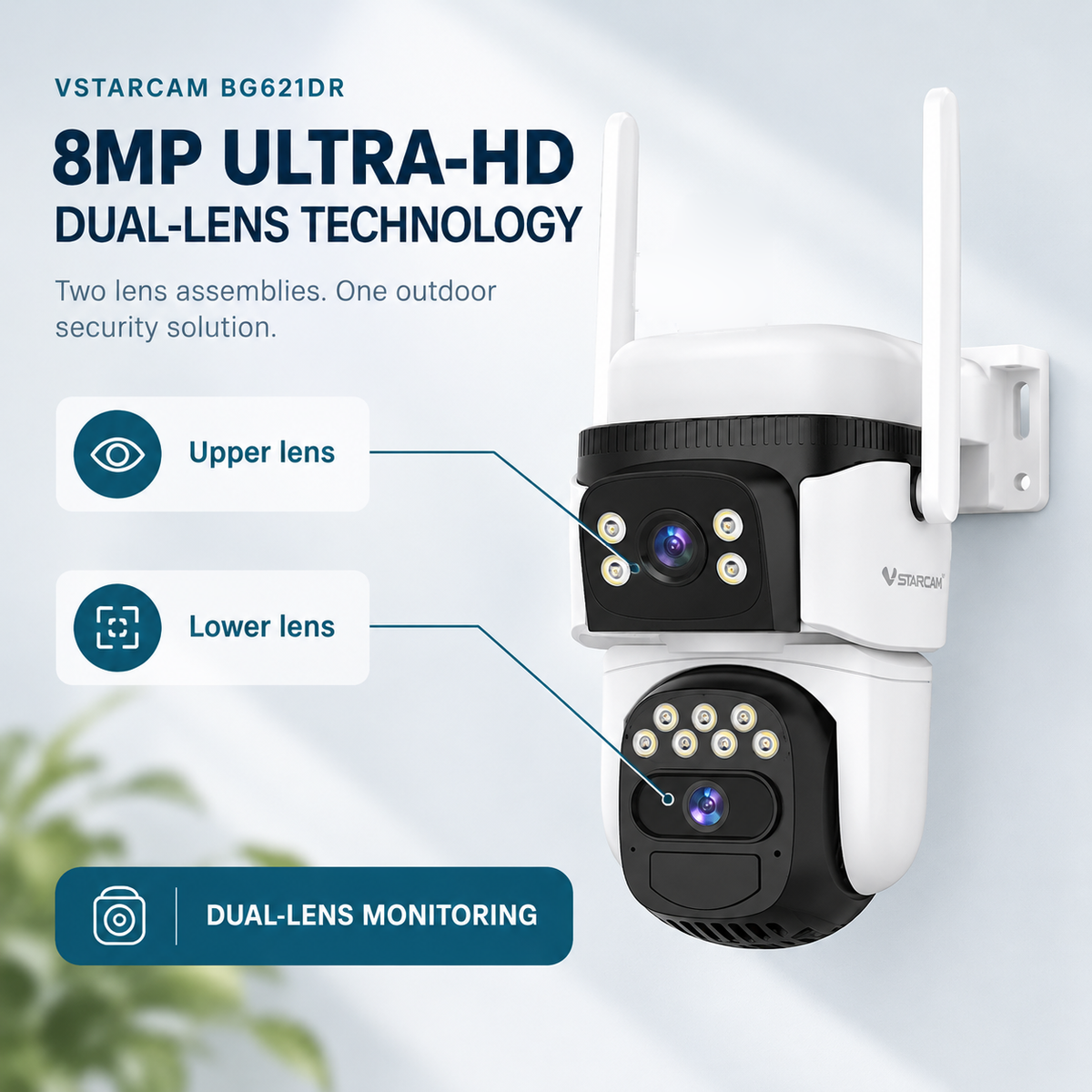
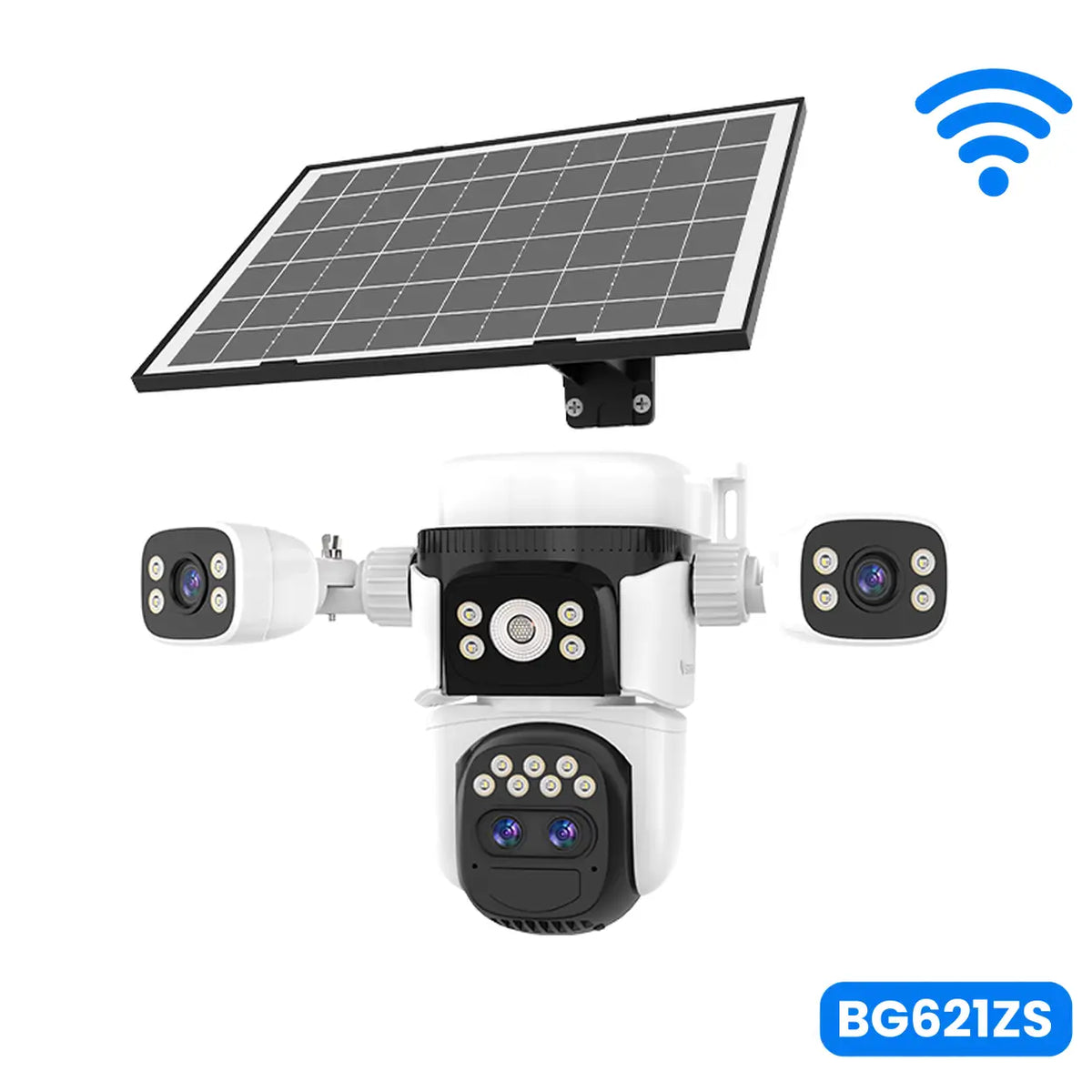
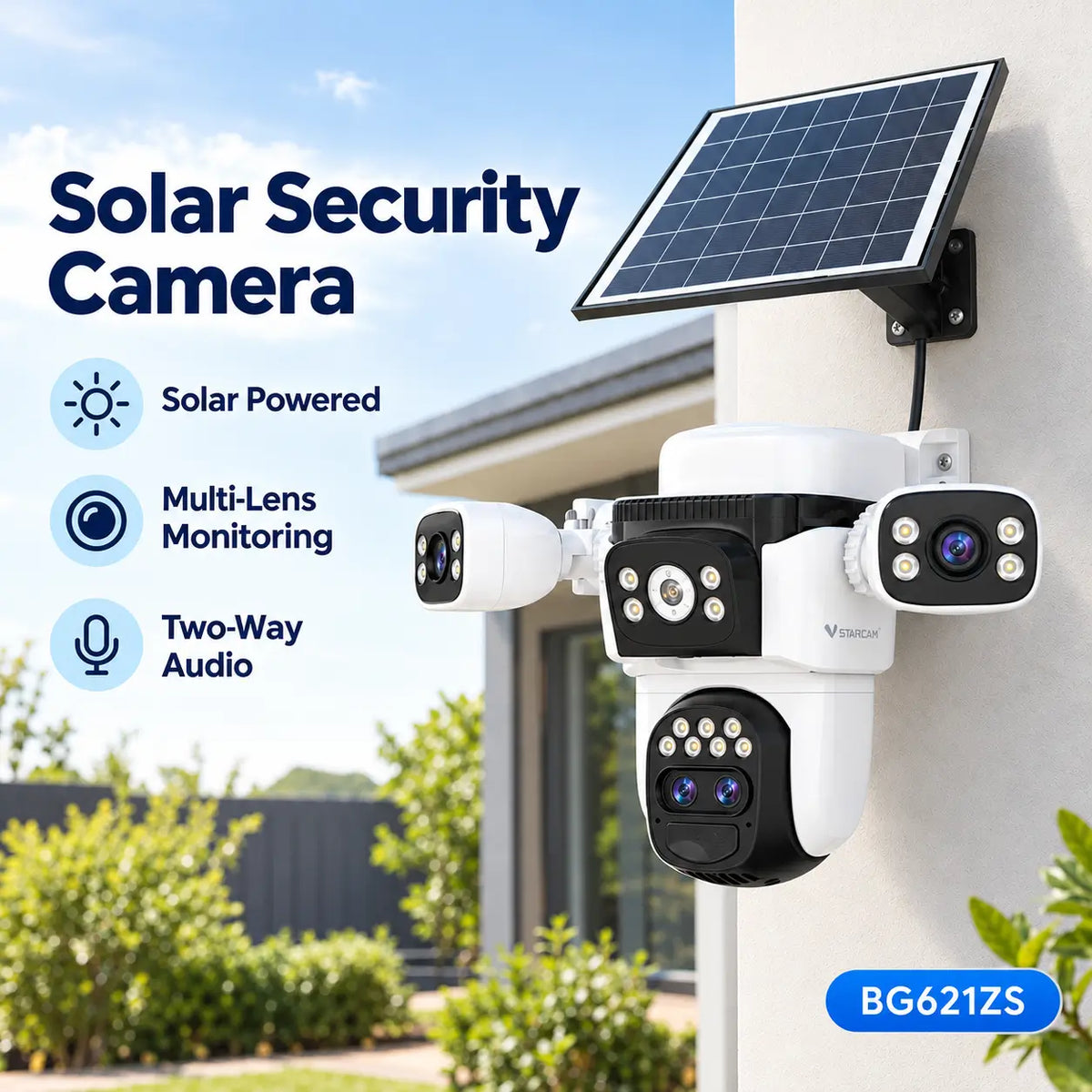
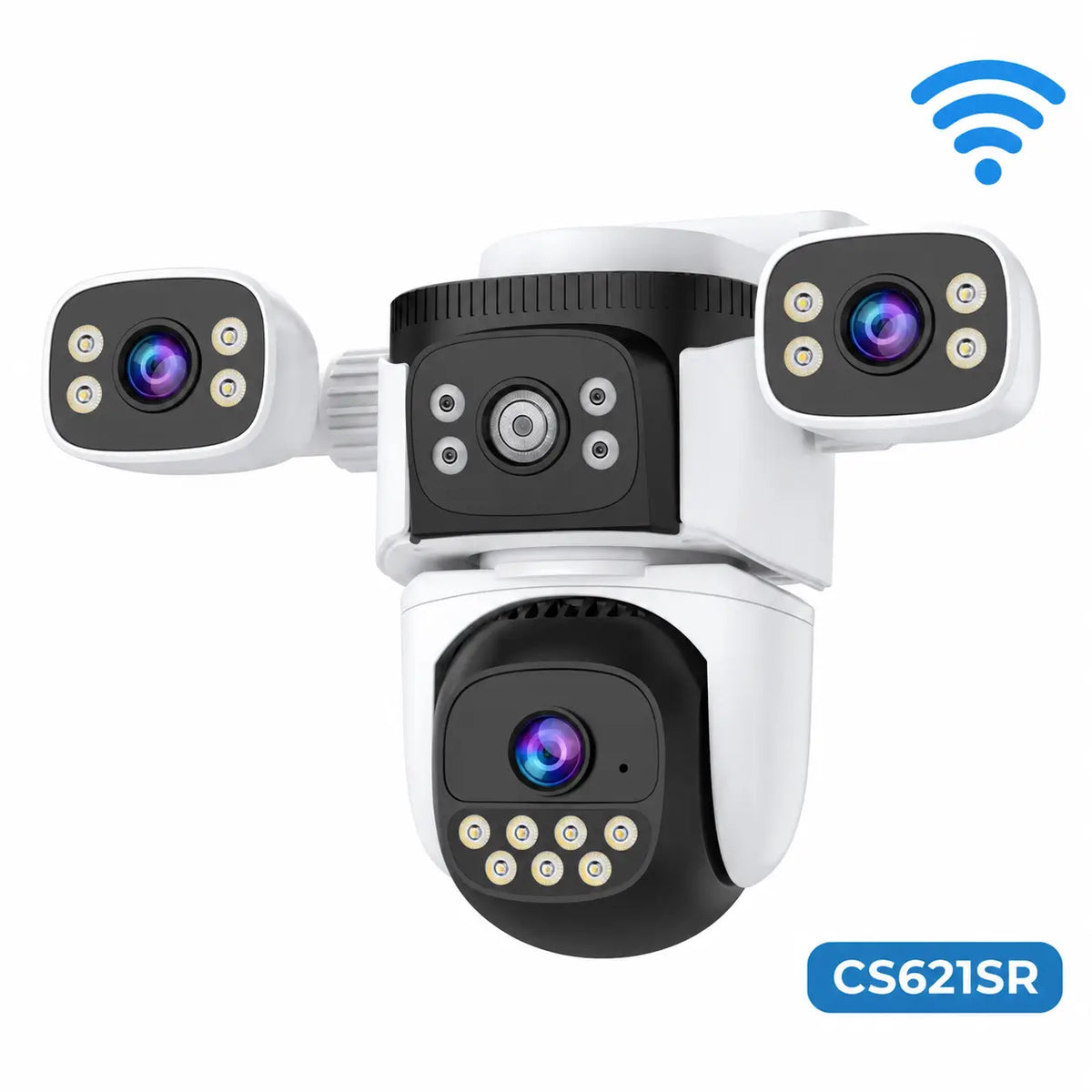
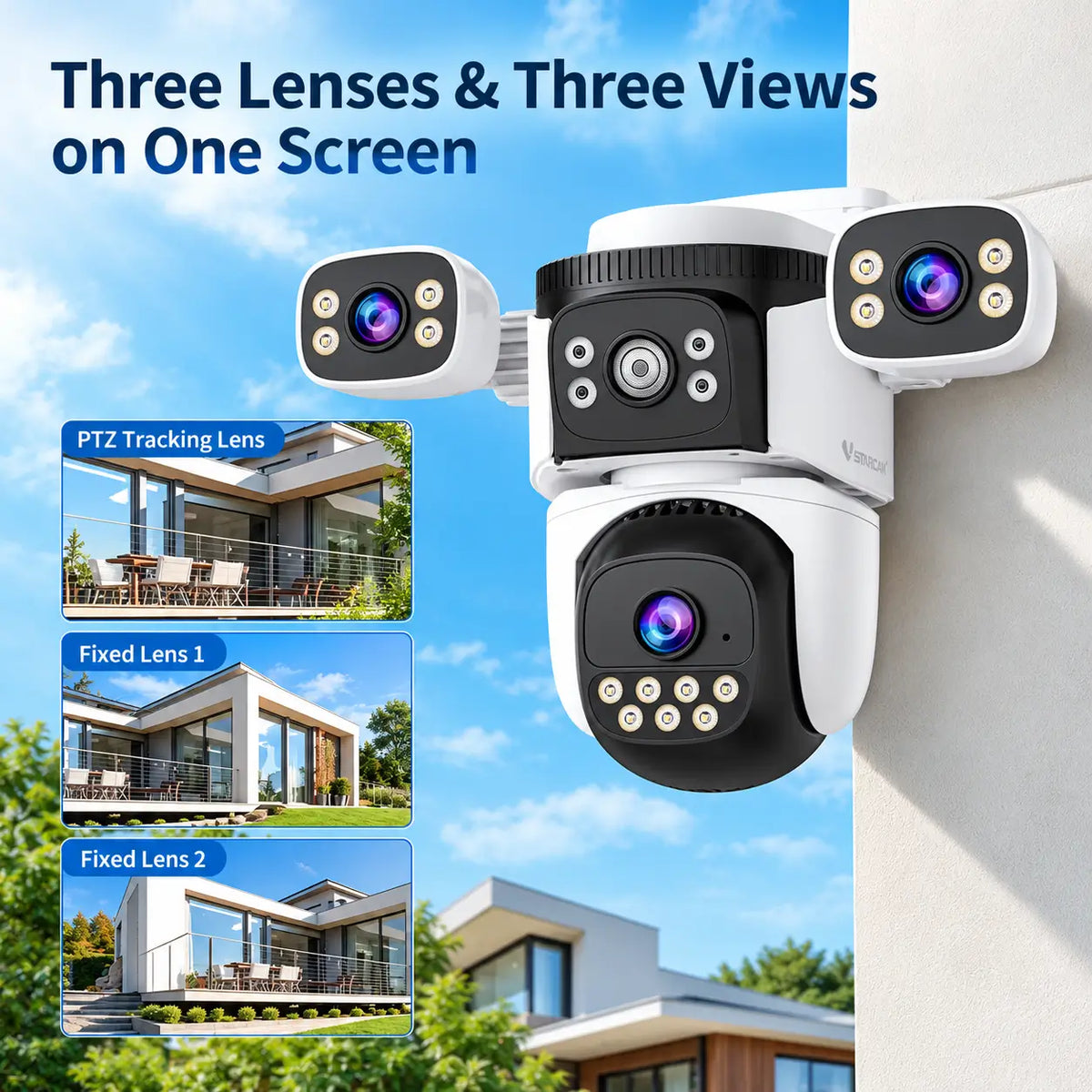
Suitable multi-view cameras can maintain selected perspectives while another lens moves. Verify the individual live views, recording channels and detection coverage rather than relying on lens count alone.
Consider how the scene will change. New walls, stacked materials, scaffolding and parked vehicles can obstruct a view that was useful at the start of the project.
If several important areas are separated by structures, multiple cameras may be more appropriate than a single wide view. Compare total system cost rather than expecting one camera to cover every project stage.
5. Check Night Footage and Alarm Controls
Ask for recordings showing moving subjects at distances similar to your proposed scene. Advertised resolution or illumination range does not guarantee identification of a person or vehicle number plate.
Infrared and visible-light recording have different advantages. A spotlight may provide useful colour footage, but available battery energy and nearby properties must be considered.
If floodlights or sirens matter to the purchase, confirm their activation controls. Some models require users to enable automatic responses, and not every camera supports independent schedules or detection categories.
An alarm is useful only when it fits the site's response arrangements. Check whether unwanted triggers from ordinary activity can be managed without disabling the alerts you actually need.
6. Assess Power for Busy Working Days and Shutdown Periods
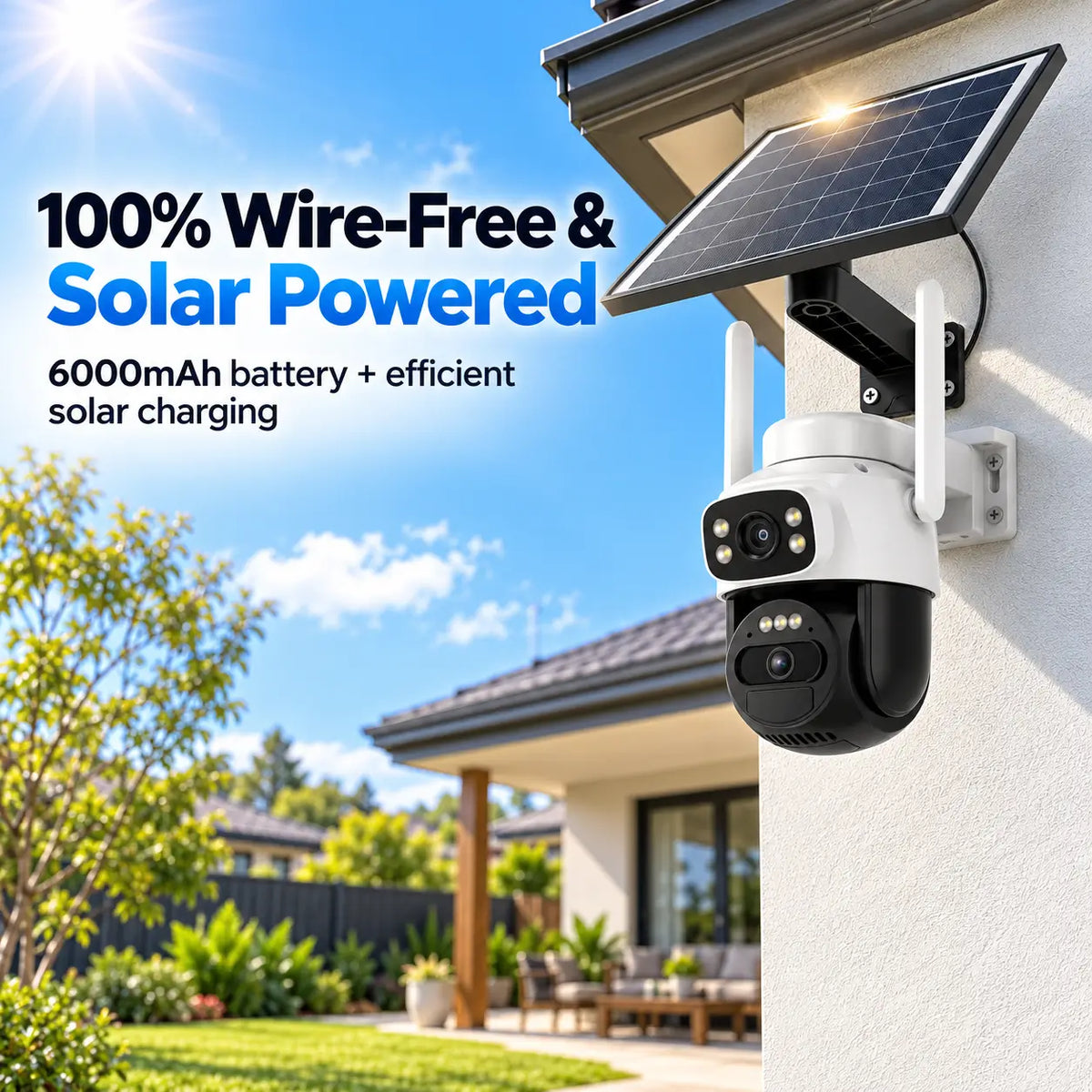
Frequent activity can mean frequent recording, transmission and camera movement. Compare battery capacity and compatible solar charging against that expected workload.
Do not rely on a standby runtime claim without checking its assumptions. Ask what recording frequency, live viewing and lighting were included in the estimate.
An external panel may provide useful positioning flexibility, but its cable and connections also need protection from site activity. Check approved accessories, cable length and the charging system's limits.
Plan for maintenance access and occasional manual charging if required. A system that needs constant intervention may offer poor value even when its purchase price is low.
7. Include Data and Subscription Costs
For 4G cameras, budget for the way the team will use the system. Frequent high-quality live viewing, remote playback and cloud uploads can increase data consumption. Manufacturer data-use guidance identifies these activities as relevant factors; estimates should be checked for the selected model.
Compare the expected project cost, not just one month's introductory offer. Include memory cards, mobile data, optional cloud services and any additional camera accounts or accessories.
When operating two sites, confirm whether subscription charges apply per camera, account or package. Check what happens when a project ends and the equipment sits unused before its next deployment.
8. Compare Portability, Durability and Support
| Requirement | What to compare | Question before ordering |
|---|---|---|
| Temporary site without broadband | Compatible cellular access | Which SIM services are supported locally? |
| Tools and materials storage | Recording access and backup | Can footage be retrieved after camera loss? |
| Changing site layout | Viewing configuration and mounting | How easily can coverage be adjusted? |
| Frequent daily activity | Power balance and recording behaviour | What workload underpins the runtime claim? |
| Reuse across projects | Approved mounts and account management | Can the system be moved and reassigned conveniently? |
| Exposed work environment | Enclosure, connectors and service options | What conditions and accessories are supported? |
An outdoor enclosure rating does not establish resistance to machinery impact or every form of dust and weather exposure. Compare the whole installation and the manufacturer's operating limits.
Ask about spare brackets, charging accessories and the support process. Check how authorised team access can be added or removed as personnel and projects change. Shared access should not depend on distributing one account password unnecessarily.
Final Thoughts
For small builders, the best solar security camera is one that matches the site's connection, recording and energy requirements while remaining practical to move between projects.
Prioritise reliable footage and recovery, then compare remote movement, lighting, alarms and convenience features. A clearly defined camera role is more useful than an extensive feature list without a workable recording or response plan.
Explore SolarEasy's solar security camera range and confirm the current specifications, package contents and service requirements before ordering for a construction site.
About SolarEasy
SolarEasy is an Australian-owned online retailer specialising in solar powered products for homes, gardens and outdoor applications.
Our Solar Powered Security Camera Information Hub helps Australian homeowners, builders and rural property owners understand equipment options and make informed purchasing decisions.