
Solar Powered Security Camera Information Hub | Section 4: Buying Guides & Comparisons
The best solar security camera for a farm is not necessarily the model with the most lenses or the highest resolution. It is the system that can capture useful activity at a chosen location, maintain enough power and provide the access you need without an impractical maintenance routine.
Australian rural properties present different conditions from suburban homes. A gate may be well beyond household Wi-Fi, an equipment shed may have a metal roof that affects reception, and checking a camera may involve a substantial drive.
This guide focuses on buying criteria for those conditions. It helps you compare a shortlist; practical farm monitoring arrangements are covered separately in A04.
1. Define the Job Before Comparing Cameras
Identify the first location where recordings would provide the greatest value. A main entrance, machinery shed and livestock access point have different monitoring requirements.
Decide whether you need a general record of activity or enough detail to identify a person. Consider the distance between the camera and the subject, not simply the total size of the property.
Also distinguish remote checking from automatic notifications. Some owners want to inspect an area occasionally; others need timely alerts about entry. Both depend on appropriate connectivity, while supported local recording may operate independently.
Do not assume a general-purpose security camera is suitable for livestock welfare monitoring or emergency response. Select the system around its documented capabilities and the consequences of a missed event.
2. Make Connectivity the First Shortlist Filter
Wi-Fi Around the Farmhouse
A Wi-Fi camera may suit buildings near a reliable network. However, reception at the kitchen does not establish coverage inside a detached metal shed or at a distant entrance.
If network extension is practical, compare that approach with cellular cameras. Include the cost of any outdoor networking equipment and its power supply.
4G for Locations Beyond Wi-Fi
A compatible 4G camera can provide remote access without household Wi-Fi, but it still needs a supported mobile service and usable signal.
Start with your prospective provider's coverage map, then assess the actual mounting location. Telstra's coverage guidance explains that mapped coverage is predictive and that local conditions can affect the experience. A phone test can be informative but does not guarantee identical performance from a different camera modem or antenna.
Ask the supplier to confirm the camera's Australian network version, supported providers and SIM requirements. These vary by model; manufacturer guidance such as Reolink's regional compatibility checks illustrates why a generic 4G label is insufficient.
If neither connection is suitable, resolve remote access before purchasing. Solar power cannot overcome a missing communications link.
3. Compare Useful Detail at the Required Distance
A rural entrance may look clear in an overview while a visitor's face or vehicle number plate occupies very few pixels. Higher resolution can help, but lens choice, viewing angle, movement and lighting also matter.
Request example recordings at a distance similar to your intended scene. Separate daytime overview performance from night-time identification requirements.
Do not interpret an advertised infrared range as a guaranteed identification distance. Likewise, digital zoom enlarges existing footage rather than recovering detail that was never captured.
For a critical entrance, a well-defined view can be more useful than a broad panorama. Use T06 and F01 to examine resolution and night vision before comparing specific models.
4. Choose Between Fixed, PTZ and Multiple Views
A fixed camera may suit an entrance that needs consistent coverage. A PTZ camera offers remote inspection of different directions, but its movable lens may be looking away when activity occurs elsewhere.
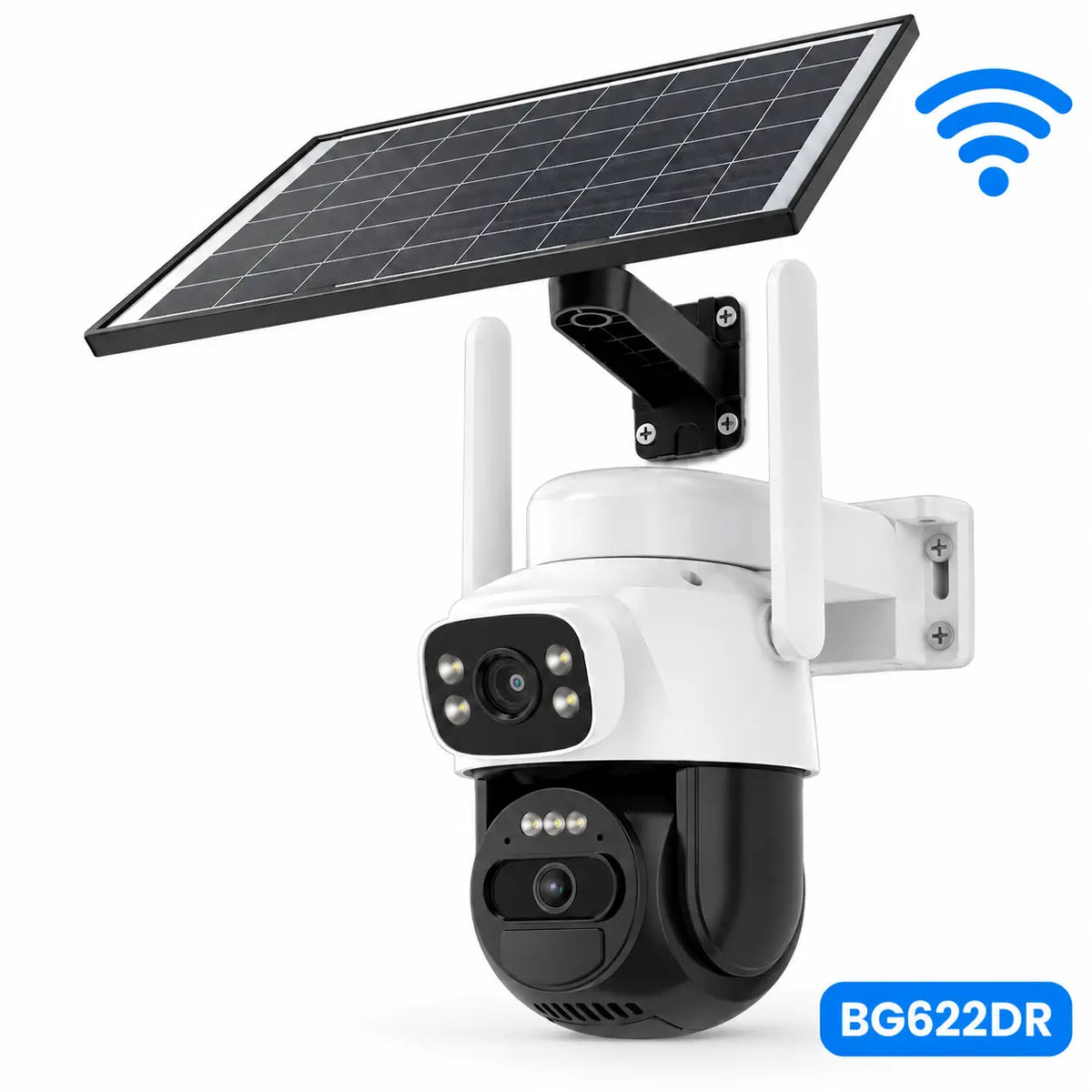
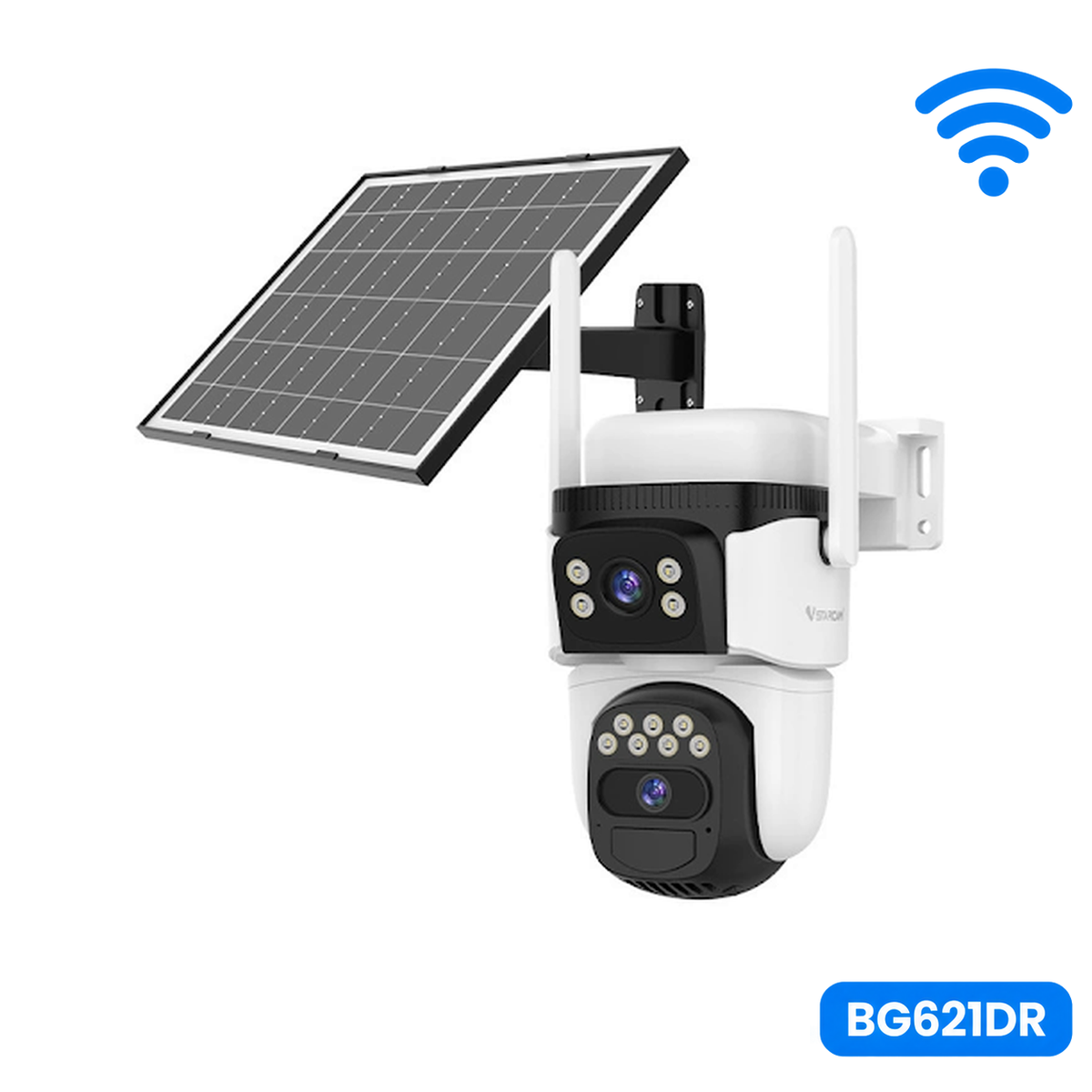
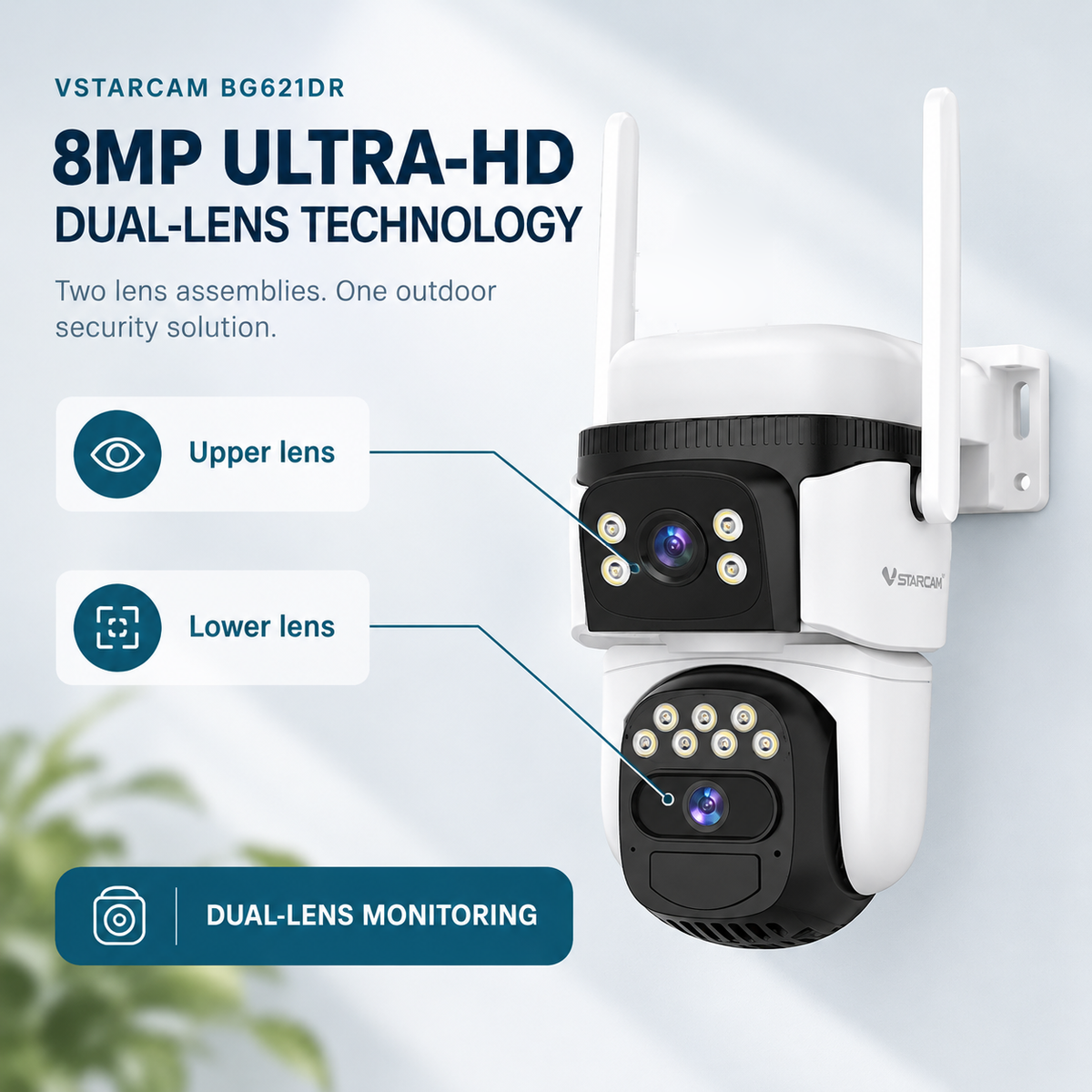
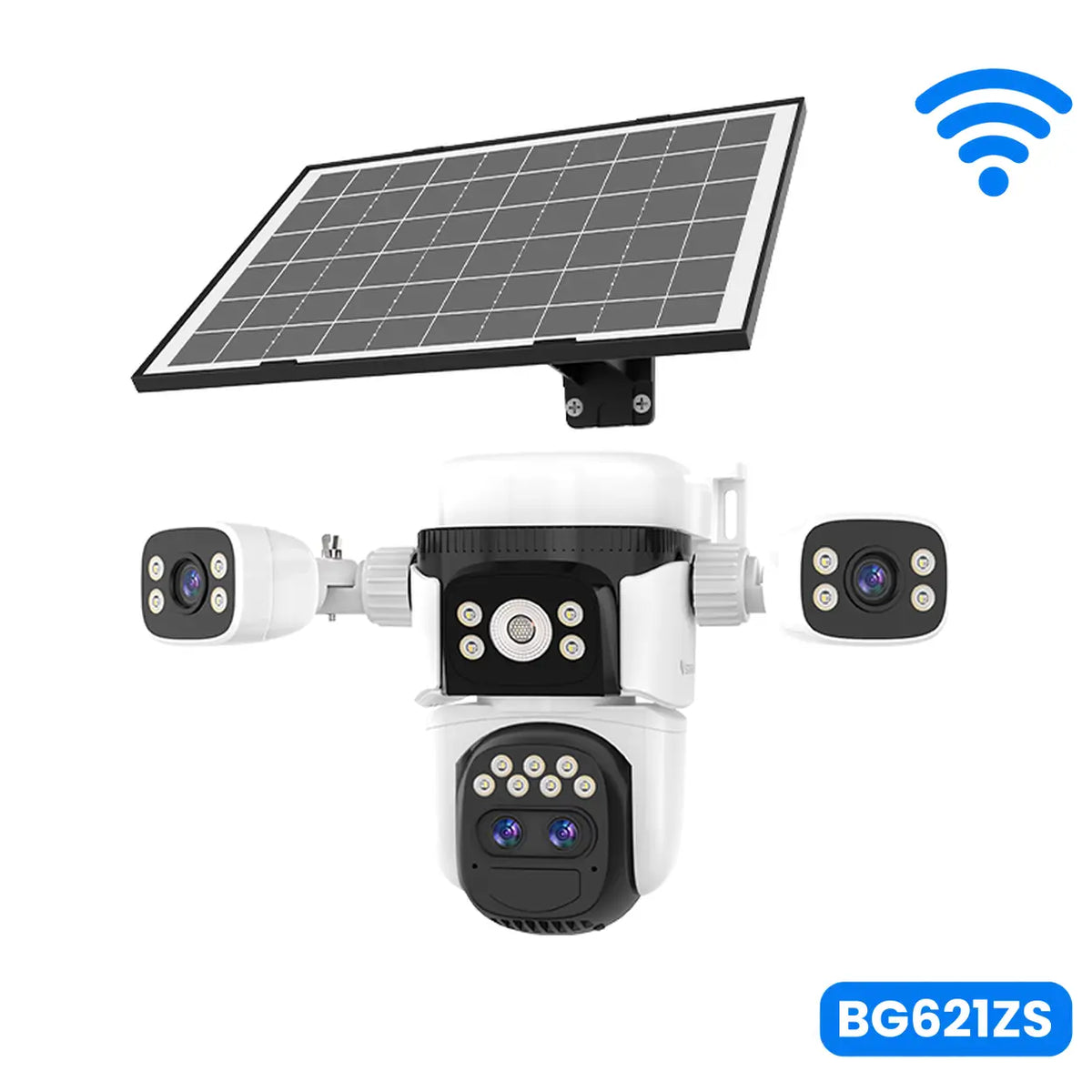
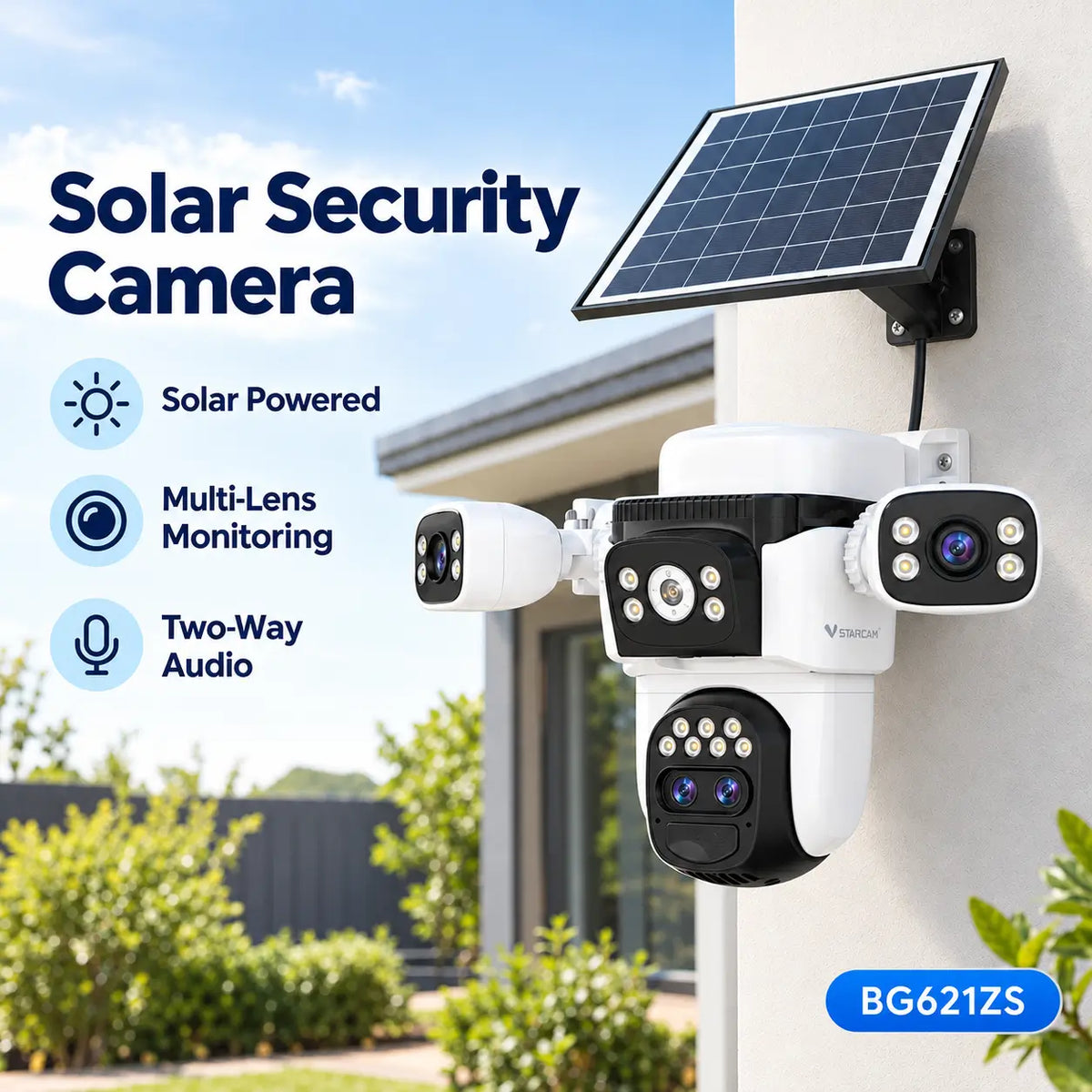
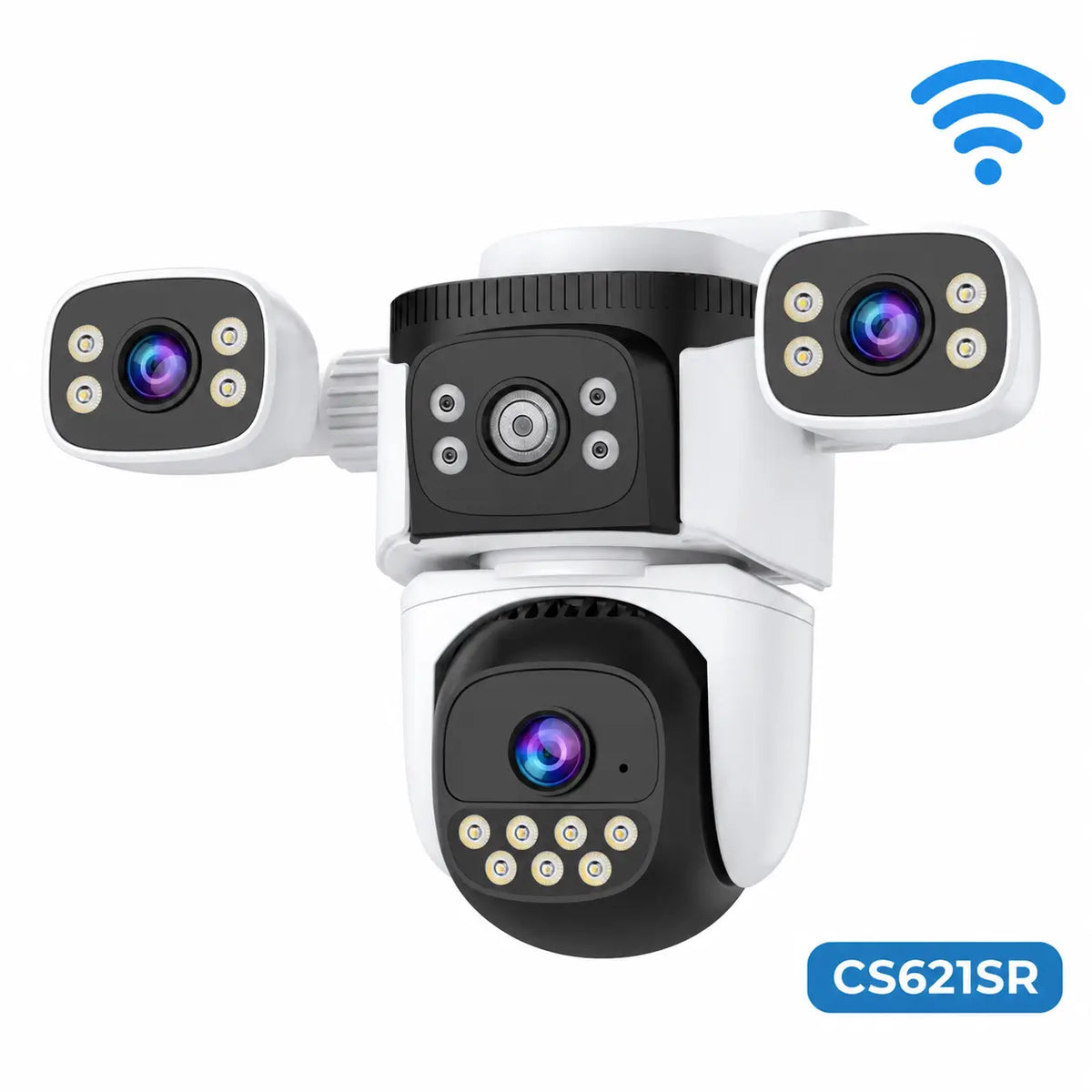
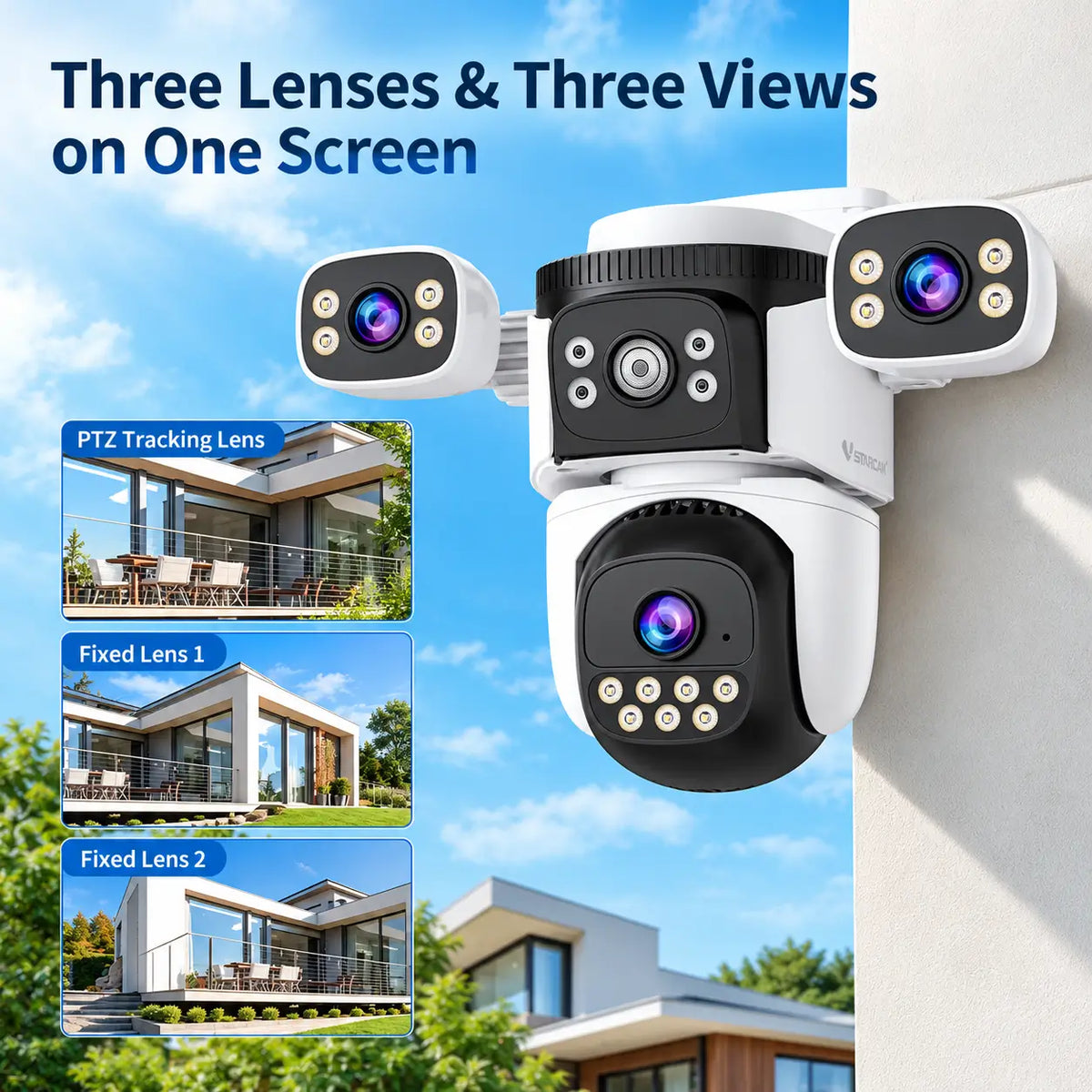
Suitable multi-view models can preserve selected views while another lens moves. Confirm the actual arrangement: not every dual-lens camera provides independent directions, and multiple app images do not automatically mean simultaneous recording of every view.
Where buildings, terrain or vegetation divide the monitoring area, separate cameras may be necessary. Several views from one post cannot see around an obstruction.
Ask how each view is detected, recorded and played back. Those details matter more than the number of lenses printed on the box.
5. Assess Power Reserves and Recovery
Remote installations benefit from a power system that suits both expected activity and periods of limited charging.
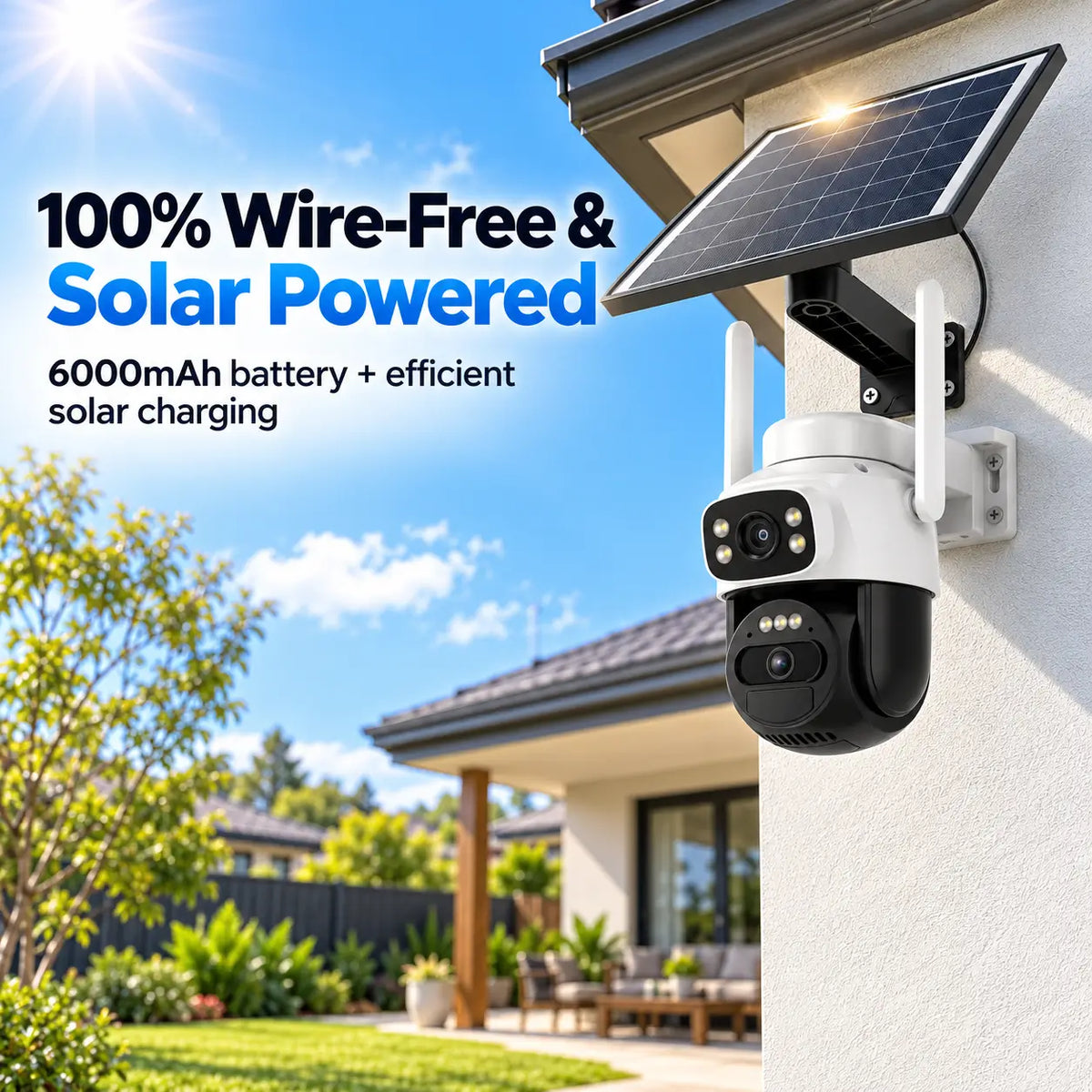
Compare usable battery energy, panel compatibility and the assumptions behind runtime claims. A larger battery may provide more reserve, but it cannot compensate indefinitely for inadequate daily charging.
Think about routine activity. Livestock, passing vehicles and vegetation may create frequent events on some detection systems. Recording, transmitting footage, lighting and motorised tracking all contribute to energy use.
Check whether the panel can be positioned separately from the camera and whether the approved cable reaches a useful location. Also ask how the camera recovers after low battery and whether manual charging is sometimes required.
There is no universal number of sunshine hours that guarantees reliable operation for every rural camera. F04 and F05 explain the specifications behind these comparisons.
6. Choose Recording and Backup Around the Risk
Event recording can conserve energy and storage, but it may not provide the uninterrupted history some owners require. Confirm recording duration, supported schedules and any pre-event footage rather than assuming that 24-hour monitoring means continuous recording.
Local storage may reduce ongoing uploads and keep supported recordings during an outage. Check whether the specific camera actually supports offline recording.
Cloud backup can preserve footage successfully uploaded before camera damage or theft. It remains dependent on the service, connectivity and retention arrangements.
For an isolated equipment shed, consider how important recordings would be recovered if the camera disappeared. Compare storage behaviour alongside subscriptions and mobile data usage.
7. Include Environmental Suitability and Maintenance
Check the camera, panel, connectors and brackets as a system. An enclosure rating does not establish resistance to salt corrosion, severe impact or every temperature condition.
For dusty or exposed locations, examine the manufacturer's cleaning and inspection requirements. Consider whether wildlife or livestock could contact cables or mounting hardware.
Remote monitoring does not eliminate physical maintenance. Ask how a memory card, battery or approved accessory can be replaced and whether servicing requires removal of the whole camera.
Choose a position that balances security with realistic access. A difficult maintenance visit can become a more important ownership cost than a small difference in purchase price.
8. Compare the Complete Rural Installation
| Requirement | Buying priority | Question for the supplier |
|---|---|---|
| Main gate beyond household Wi-Fi | Verified cellular connection | Which supported service works at this location? |
| Machinery shed | Useful entrance detail and footage recovery | Can recordings survive loss of the camera? |
| Busy yard | Suitable event handling and power balance | What activity assumptions underpin runtime claims? |
| Several nearby access points | Consistent views of priority areas | Are all required views recorded independently? |
| Infrequently visited building | Status visibility and service access | How are faults and low battery reported? |
Add the camera, panel, mounts, memory card, mobile data, optional subscriptions and maintenance travel to the comparison. For several cameras, calculate the ongoing costs for the whole property.
Avoid treating camera alerts as a substitute for locks, access control or an appropriate response plan. The purpose of the purchase is to improve monitoring within a wider security arrangement.
Final Thoughts
For farms and rural properties, prioritise connectivity at the actual location, useful footage, sufficient energy and practical maintenance. Then compare viewing flexibility, notifications and optional lighting.
A carefully selected camera at one important entrance can be more useful than an ambitious system whose reception or charging is unreliable.
Explore SolarEasy's solar security camera range and confirm model-specific network, recording and power requirements before ordering for a rural installation.
About SolarEasy
SolarEasy is an Australian-owned online retailer specialising in solar powered products for homes, gardens and outdoor applications.
Our Solar Powered Security Camera Information Hub helps Australian homeowners, builders and rural property owners understand their options and select products suited to their monitoring needs.