
Solar Powered Security Camera Information Hub
An Australian rural property may have several entrances, machinery stored away from the house and livestock moving through yards beyond everyday sight. Checking these locations can involve a substantial drive, particularly when buildings and paddocks are spread across the property.
Solar security cameras can provide useful views at selected locations without requiring a mains power connection at each camera. Their practical role is to help you understand activity at important points, rather than provide complete visibility across every hectare.
This guide focuses on how to use cameras around a working property. For purchasing criteria and equipment comparisons, see G03 – Best Solar Security Cameras for Farms and Rural Properties.
1. Build a Map of Useful Monitoring Points
Mark entrances, sheds, yards and normal travel routes on a simple property sketch. Identify the places where a recording would answer a specific question: who approached a gate, whether a vehicle entered a machinery area, or when stock moved through a visible passage.
| Location | Practical camera role | Important limitation |
|---|---|---|
| Main entrance | Review arrivals and departures | Distance and lighting may limit identification |
| Secondary gate | Check activity away from the house | Network coverage may differ from the main entrance |
| Machinery shed approach | Review access to parked equipment | Vehicles and open doors can block the view |
| Stockyard entrance | Observe movement through a defined route | Ordinary security footage cannot guarantee stock counts |
| Remote building | Check selected external activity | Maintenance access and charging need planning |
Prioritise locations where useful coverage is achievable. A camera placed centrally on the property may provide less practical information than one focused on a frequently used entrance.
2. Use Entrance Cameras to Establish Context
At the main gate, aim to show the vehicle approach and the point where people enter the property. Test the gate open and closed. A swinging gate, a stock trailer or a tall vehicle may temporarily hide activity.
Decide whether you need a general record of arrivals or detailed identification. A wide entrance view may show that a ute arrived without providing a readable registration plate. Plate capture requires suitable equipment, positioning and testing under actual conditions; it should not be assumed from resolution alone.
On a property with several access points, label cameras clearly in the app. Names such as “Main road gate” and “Western shed approach” are easier to interpret than generic device numbers when an alert arrives.
Keep gates and fencing in the wider security plan. NSW Police rural crime resources include a farm security assessment that can help structure a broader review.
3. Focus Machinery Coverage on Access and Activity
Around machinery sheds and equipment storage areas, consider how vehicles and people normally move. A camera overlooking the approach may show more useful context than one aimed into a dark building from a bright exterior position.
Test with machinery parked in its usual place and shed doors open and closed. A tractor, ute or stacked materials can conceal another route. If a second camera is needed, assign it a different useful view rather than duplicating the same obstruction.
Record equipment identifiers and maintain asset records separately. A camera image may help explain an event, while an accurate inventory helps establish what is missing. NSW DPIRD's rural crime guidance presents monitoring technology alongside practical farm-security measures.
When working near fuel storage or other potentially hazardous areas, obtain appropriate installation advice. Do not assume that an ordinary weather-resistant consumer camera is suitable for a hazardous location.
4. Treat Livestock Views as Supplementary Information
A camera overlooking a yard entrance, race or visible section of fencing can help review movement at that point. It may also help you decide whether an on-site check is needed.
However, an ordinary security camera is not a complete animal-welfare system. Animals can move out of view, block each other or fail to trigger detection reliably. An image of a trough also does not establish water quality, supply pressure or whether every animal can access it.
Do not assume that general animal detection identifies individual stock, produces reliable counts or reports every unusual event. Confirm any specialist capability with the supplier and test it for the intended task.
Maintain normal stock inspections and any dedicated monitoring systems required for critical conditions. Remote video can add information without replacing those responsibilities.
5. Test the Camera's Connection at Each Site
Working internet at the farmhouse does not establish coverage at a gate several paddocks away. Likewise, a phone showing a signal near the house is not proof that a particular camera will connect at a remote mounting point.
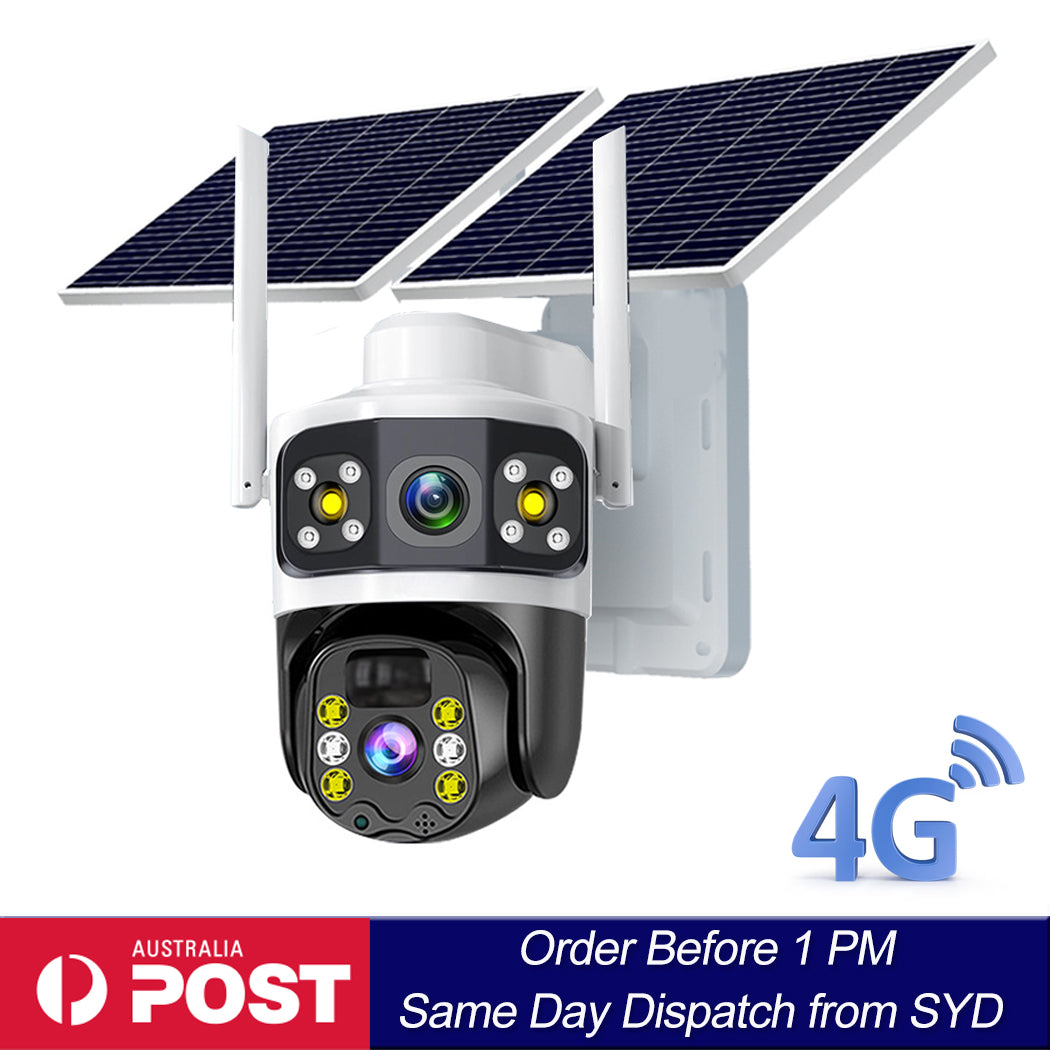
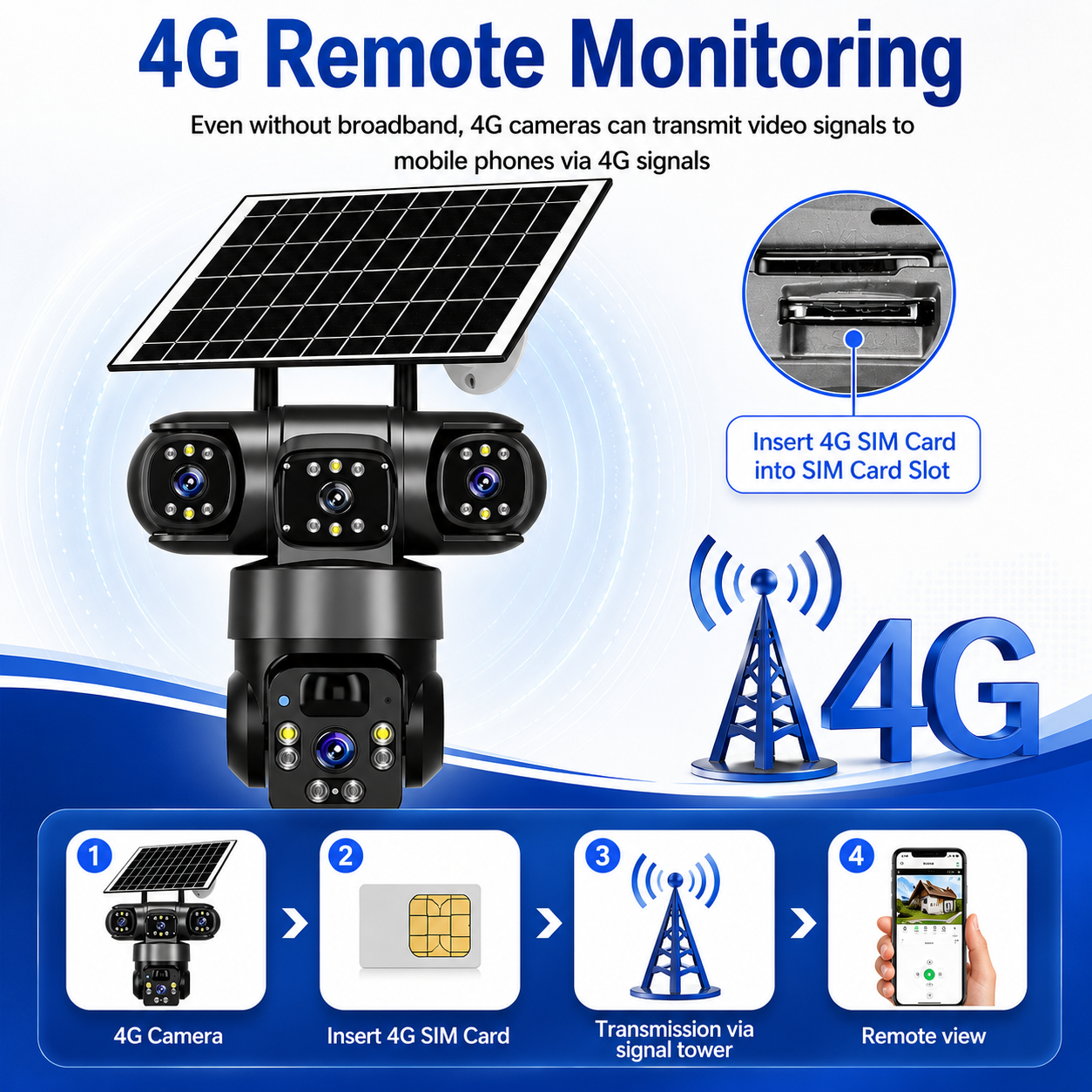
For a 4G camera, check network and model compatibility, the intended SIM service and coverage at the exact location. Telstra's coverage guidance explains that its maps predict coverage and that real connection quality can be affected by other factors. Treat a map as a planning aid, followed by a practical camera test.
Test live viewing, enabled notifications and recorded playback. Make sure uploads or remote access work reliably enough for the intended purpose, rather than judging the installation only by a signal icon.
If connectivity is unavailable, some models can still record locally, but that capability must be verified. Local recording does not provide immediate remote alerts, and footage may be inaccessible until someone visits the site.
6. Match Charging to Real Farm Activity
A quiet secondary gate and a busy stockyard can impose very different recording workloads. Frequent movement, extended live viewing and night illumination may increase energy use. Do not assume that the same panel and battery arrangement will perform equally at every location.
In Australia, assess a clear view towards true north as a starting point for solar-panel orientation, then account for the site and manufacturer instructions. Check winter shade, dust and growing vegetation. A panel that receives useful summer sun may face a shorter charging window in winter.
Observe charge trends during representative activity and weather. If energy falls steadily, investigate sunlight and workload before relying on the installation for an unattended period. Any reserve-runtime estimate should be based on the specific equipment and conditions.
7. Plan for Dust, Weather and Safe Access
Locate equipment where normal vehicle movements, livestock and farm work are unlikely to damage it. Keep brackets and cables clear of gates, machinery paths and areas where animals can rub against them.
Check the model's environmental and temperature limits. Weather resistance does not automatically establish suitability for high-pressure washing, prolonged flooding, chemical exposure or every coastal environment.
Dust from a gravel road or cultivation can reduce image clarity and panel performance. Add cleaning and inspection to an existing property round where practical, using the manufacturer's methods and safe access arrangements.
Maintenance distance matters. A camera requiring frequent attention at a remote gate may be less useful than its initial convenience suggests. Keep a record of location, model, service details and the last successful test.
8. Example: A Small Mixed Farming Property
Consider an illustrative property with a farmhouse near the main entrance, a machinery shed further along the access track and a secondary gate beyond household Wi-Fi coverage.
A first view could cover arrivals at the main entrance. A second could show the machinery-shed approach, positioned so parked equipment does not conceal the access route. The secondary gate might justify a separate camera only after its mobile coverage, sunlight and maintenance access are tested.
The stockyards may need another view if reviewing movement there serves a clear purpose. That view should be assessed separately from gate security because animals, dust and busy working periods create different recording demands.
This is a planning example, not a fixed camera count. The property's priorities and successful on-site tests determine the arrangement.
9. Establish a Recording and Response Routine
Agree who receives alerts, who checks equipment and who can retrieve recordings. Use authorised account-sharing features where supported and keep access current when staff or contractors change.
Test timestamps, playback and export before footage is needed. Preserve relevant clips before automatic overwrite and keep a record of the camera location and event time. Avoid editing the only copy of an important recording.
Treat notifications as prompts to assess information. A person entering a gate may be an expected contractor or delivery driver. Review the context and follow the property's normal communication and reporting arrangements rather than assuming every alert indicates wrongdoing.
Final Thoughts
Solar security cameras can make selected areas of an Australian rural property easier to check. Their strongest practical use is at defined entrances, access routes and equipment areas where a clear view can answer a useful question.
Start with priority locations, test the actual camera's connection and charging, and plan maintenance before the installation becomes difficult to reach. Combine recordings with secure access, asset records and normal farm inspections for a more useful overall approach.
About SolarEasy
SolarEasy provides educational information to help Australian readers understand solar-powered security cameras and plan practical monitoring around their properties.