
Solar Powered Security Camera Information Hub | Section 4: Buying Guides & Comparisons
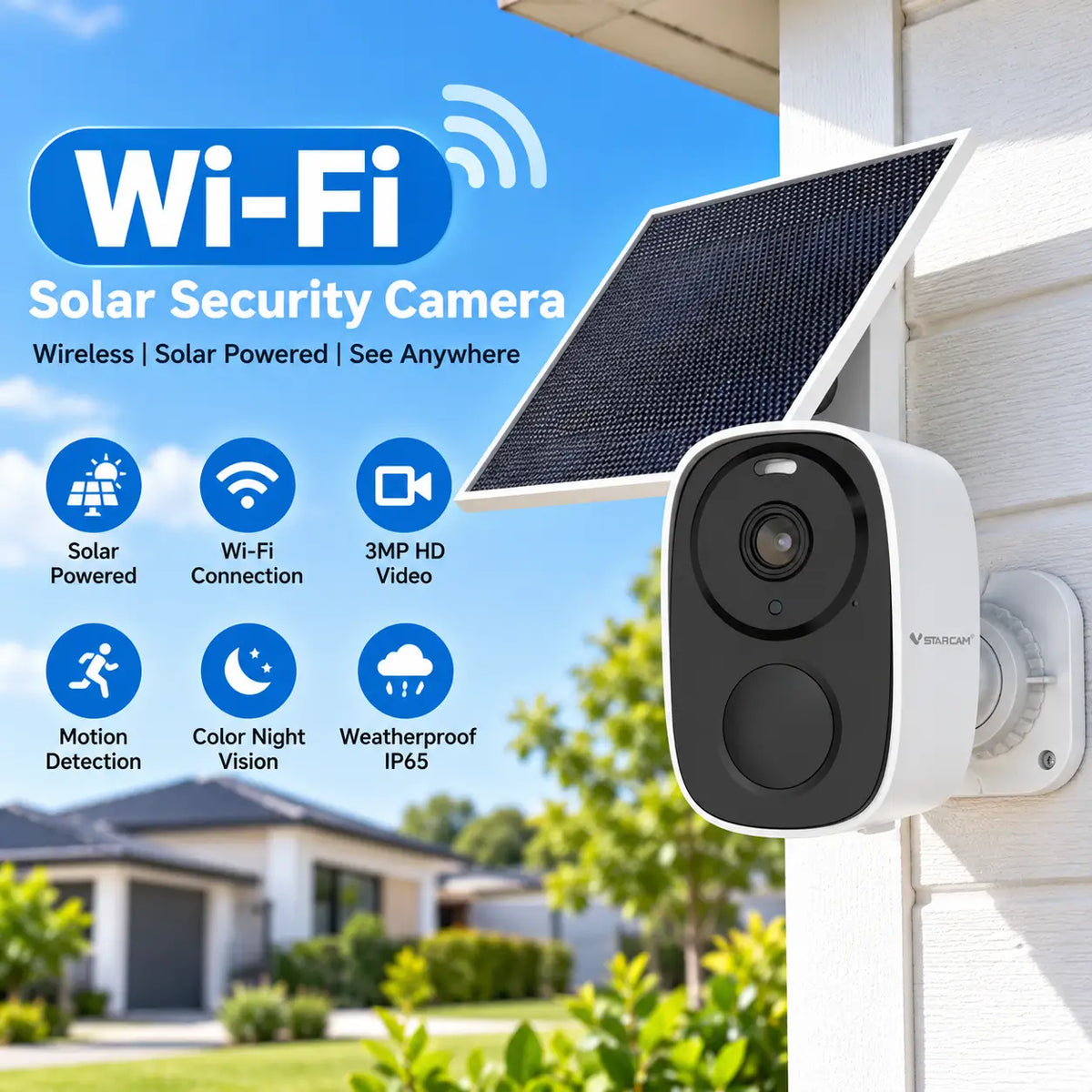
Before ordering a solar powered security camera, check whether the complete system suits the location and the footage you need. An attractive price or impressive feature list cannot resolve poor reception, an obstructed view or inadequate charging.
This checklist brings the final purchase decisions together for Australian homes, rural properties and small building sites. Work through it with the selected product listing and record any answer that still needs confirmation from the supplier.
The aim is to establish what you are buying before it arrives, rather than discovering essential limitations during installation.
1. Confirm the Monitoring Objective
Write down the area you need to observe and the information you expect from recordings. Monitoring a front gate is different from identifying visitors at a doorway or reviewing activity around stored equipment.
Check the approximate distance to the subject, likely lighting and any obstructions. Decide whether several locations must remain visible at once.
Before ordering: You should be able to describe the camera's main job in one sentence. If that requirement is unclear, return to G01 before choosing features.
2. Verify Network Coverage at the Actual Location
For a Wi-Fi model, check that a compatible network reaches the proposed mounting point. Good broadband performance inside the house is not proof of reliable outdoor Wi-Fi.
For a cellular model, confirm the camera's Australian network compatibility, supported providers and SIM requirements. Use coverage information as a starting point, then assess the actual location. A phone test is helpful but does not guarantee identical camera reception.
Before ordering: Know which connection the camera will use and what additional equipment or service is required. T02 explains the main Wi-Fi and 4G differences.
3. Check the Camera's Viewing Arrangement
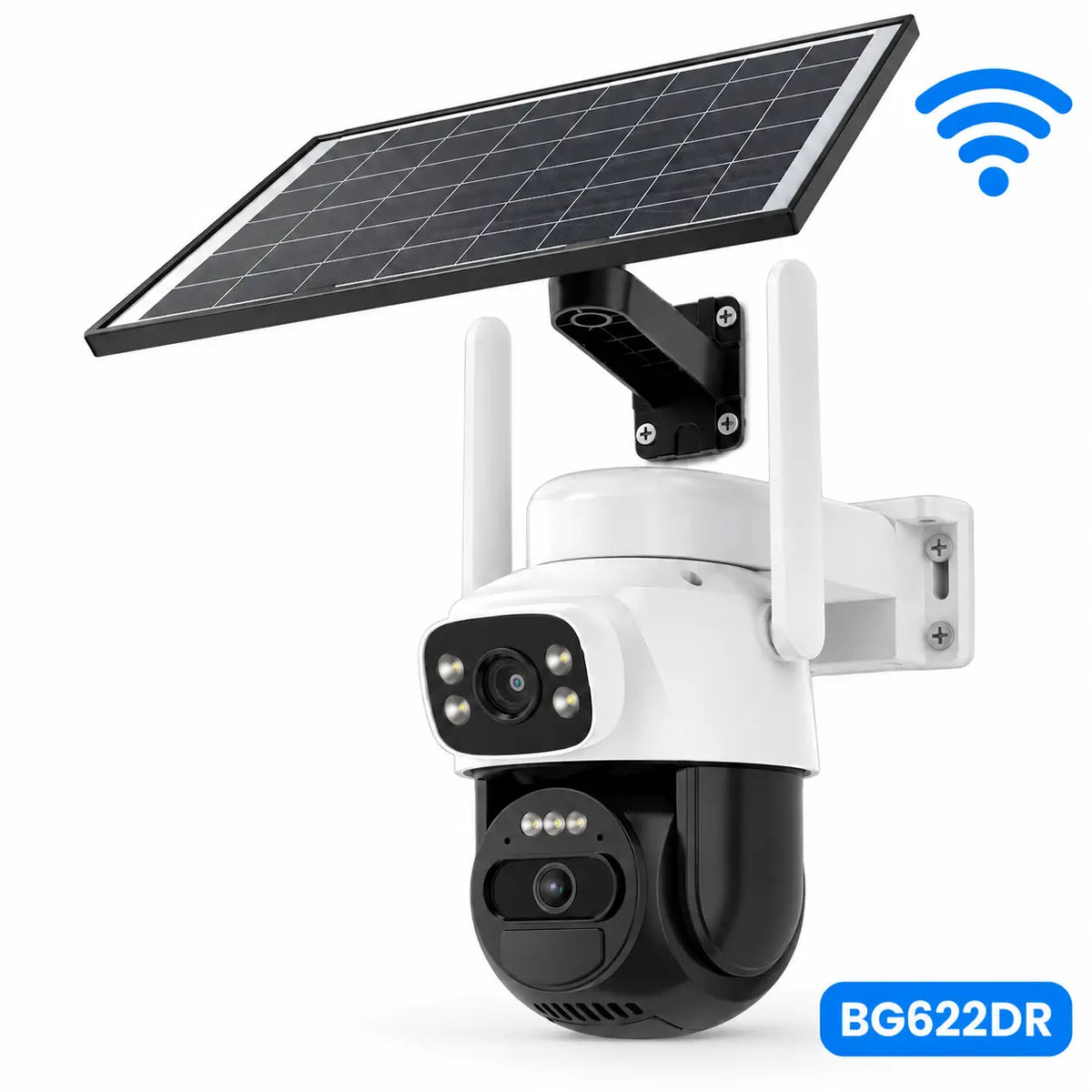
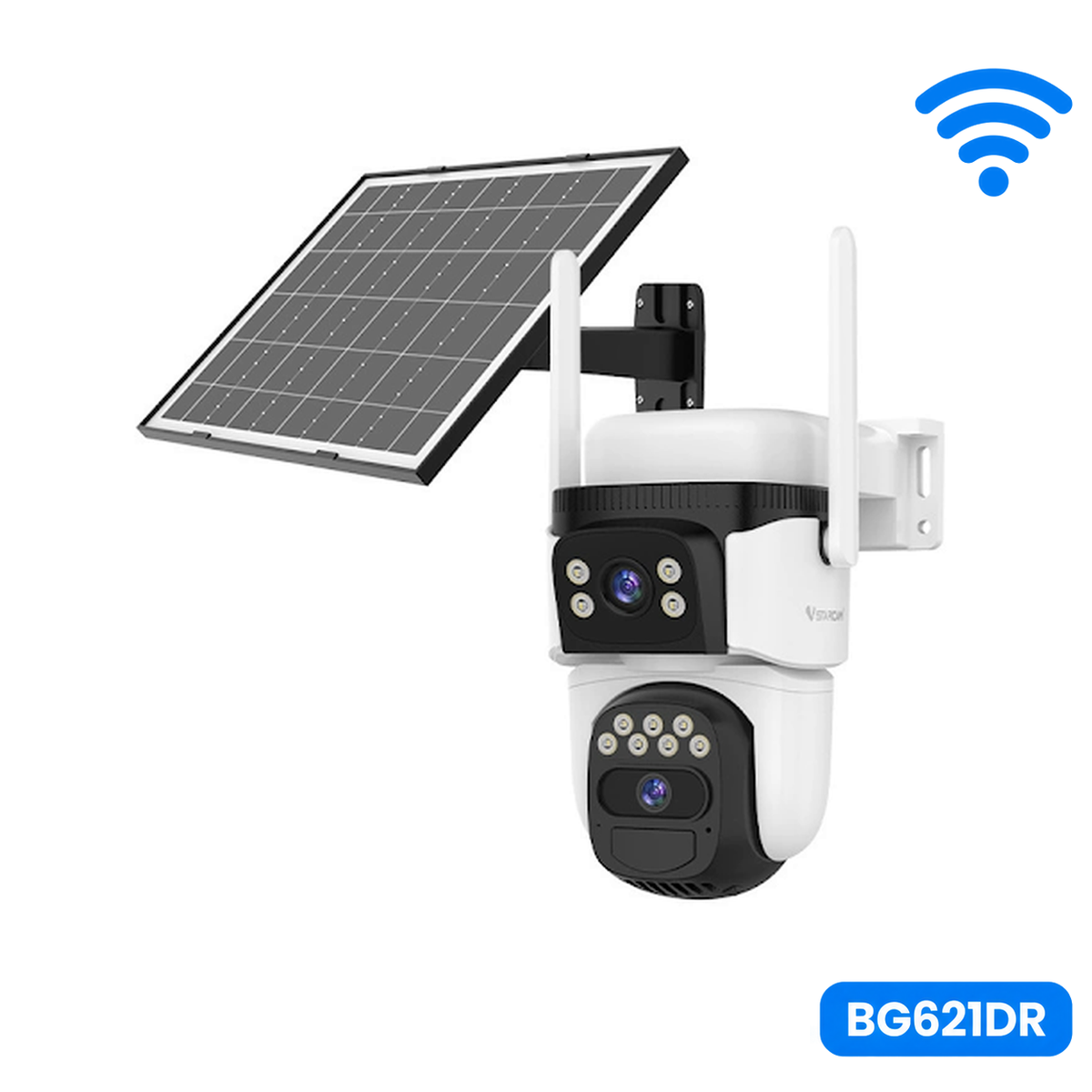
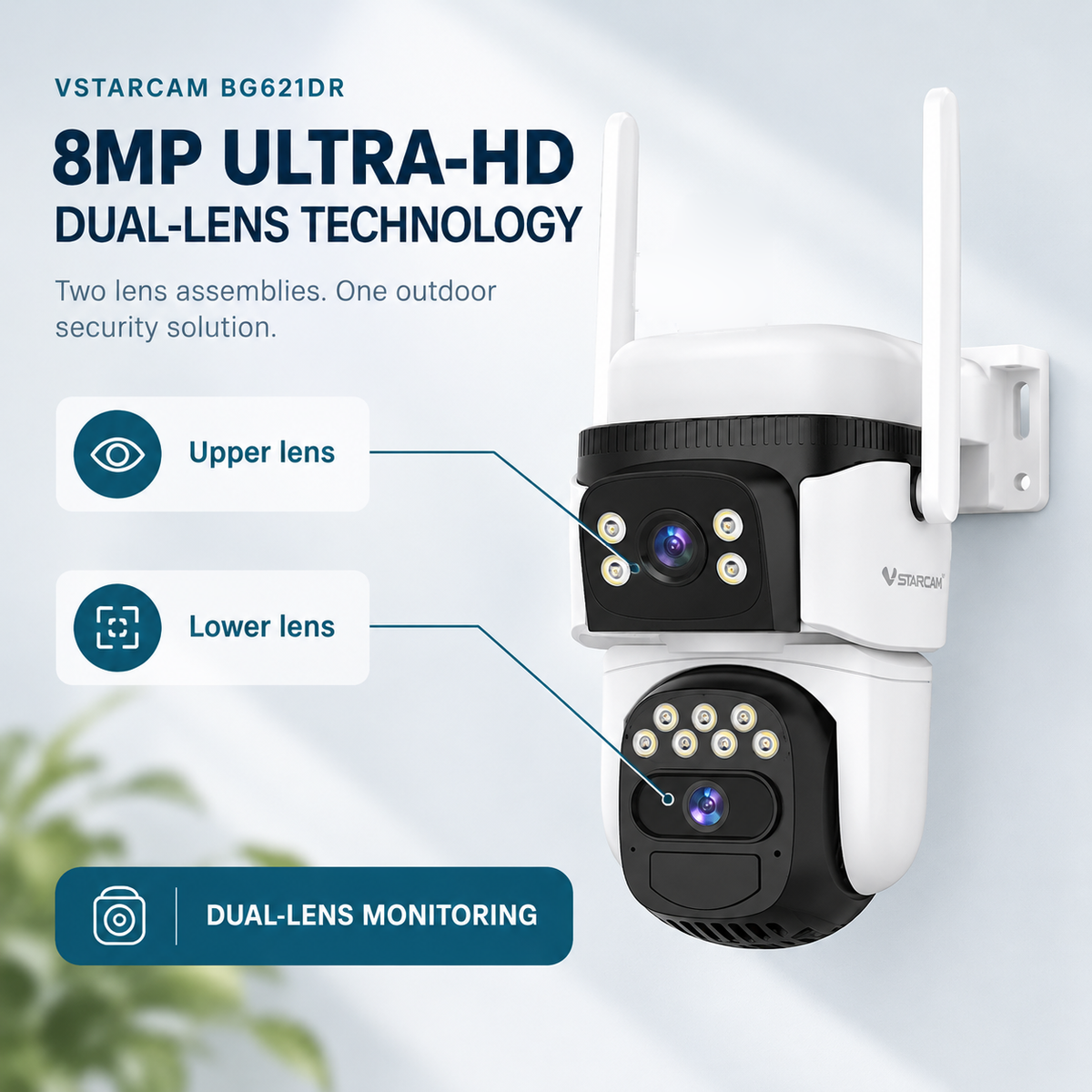
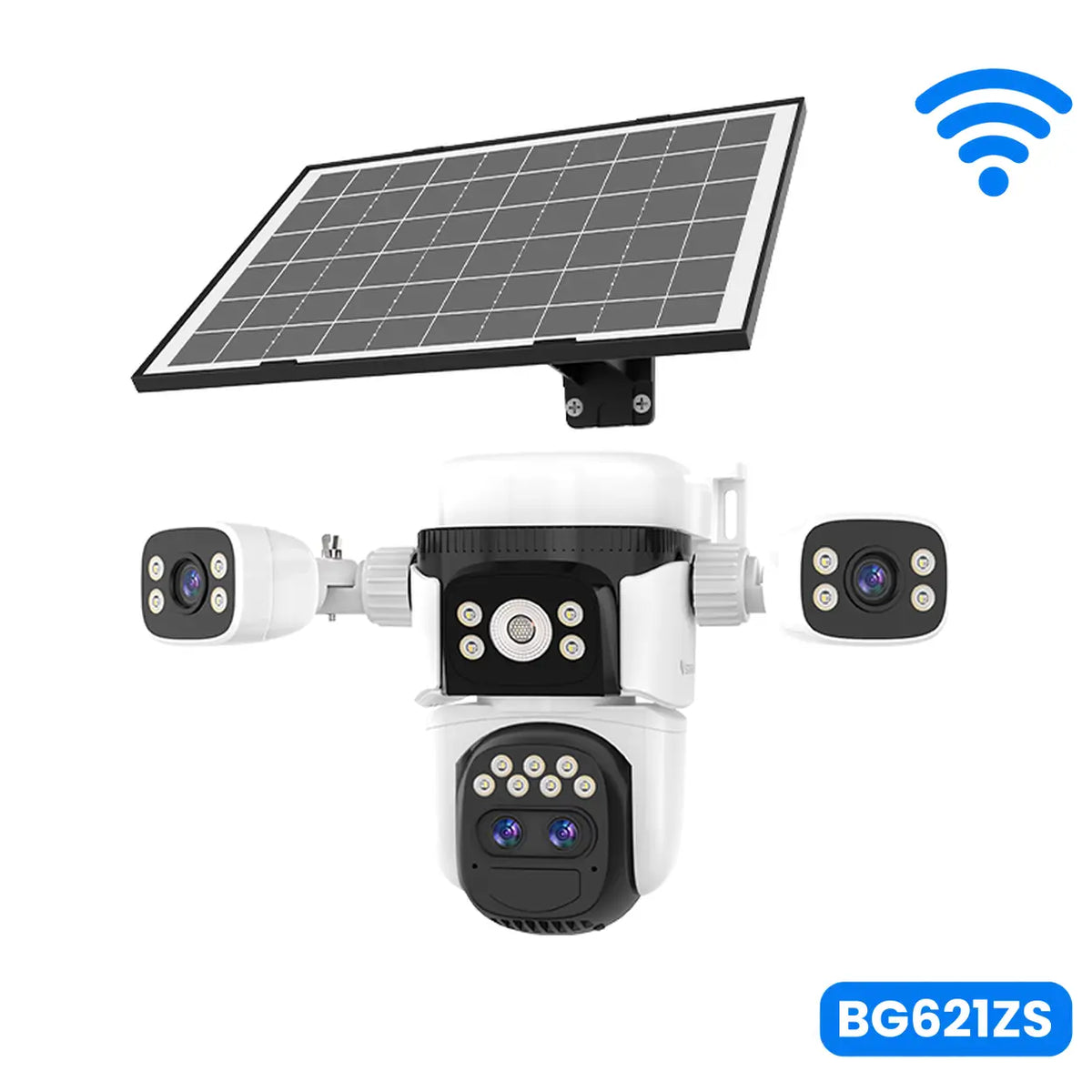
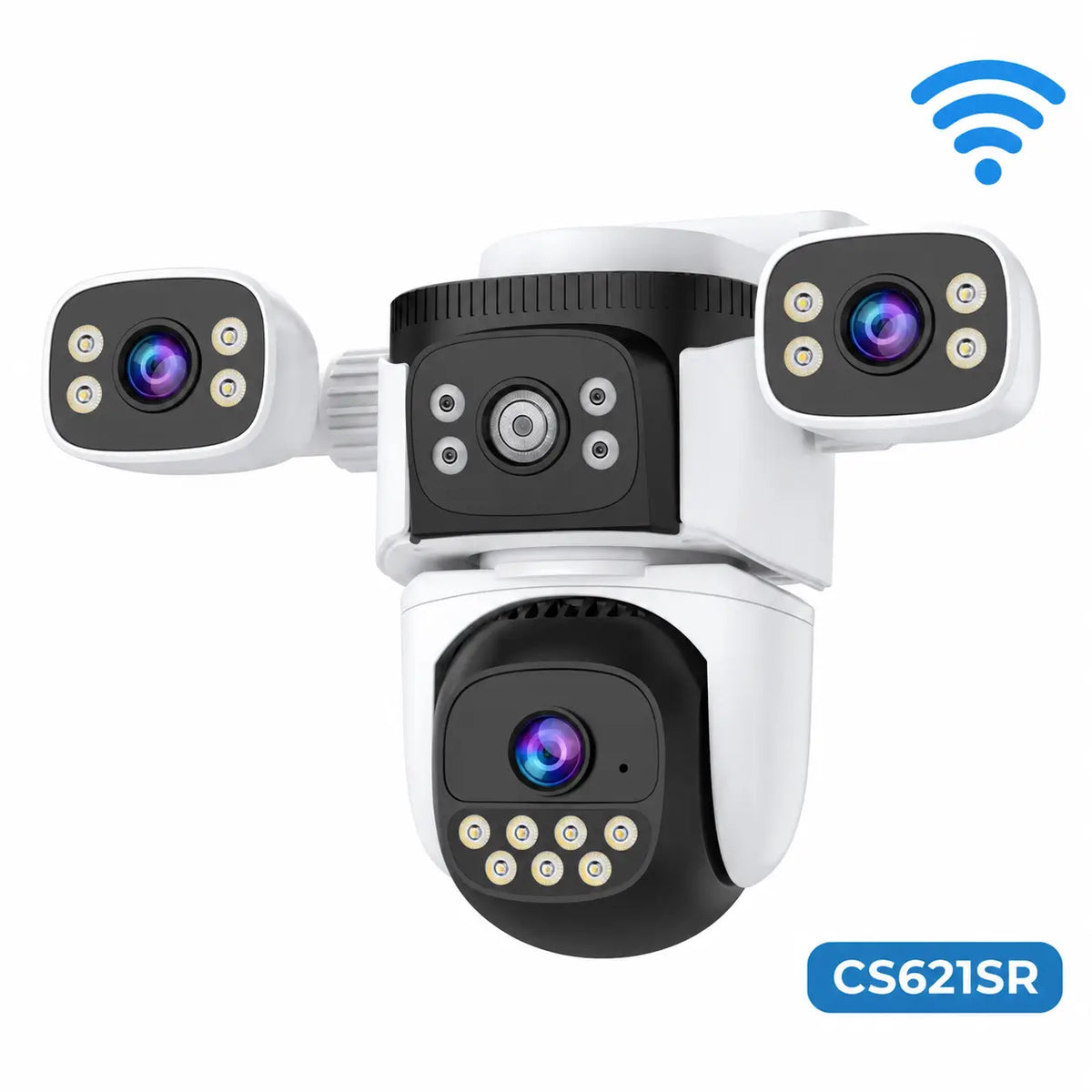
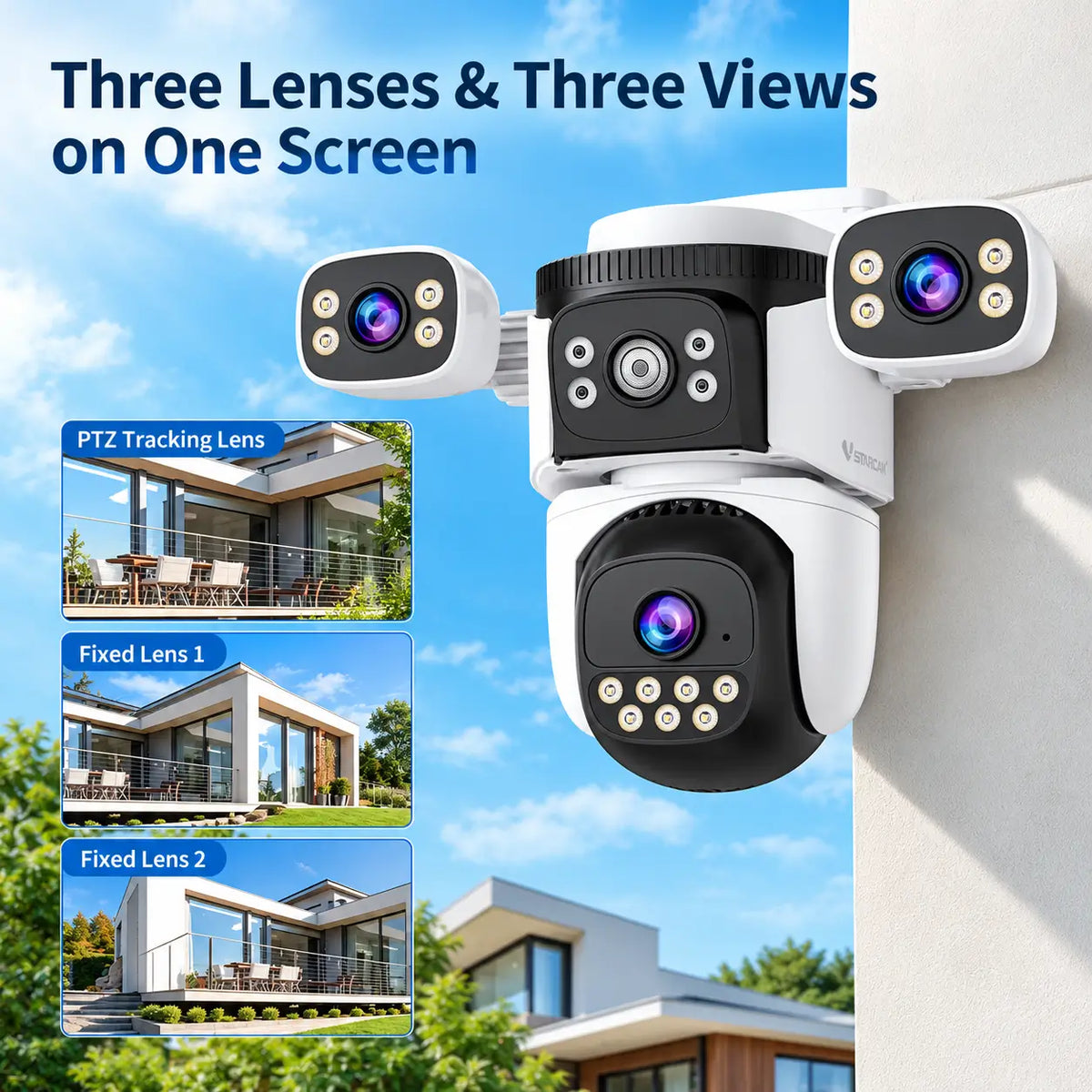
Confirm whether the camera is fixed, remotely movable or a multi-view design. Check which lenses can be adjusted by hand, which move through the app and how much of the scene remains visible while a PTZ lens turns.
For multi-lens products, ask whether the lenses provide separate directions, a stitched panorama or different magnification levels. Lens count does not answer that question.
Before ordering: Establish whether the proposed views cover the priority areas without depending on the camera facing somewhere else. Compare T03 and T04 when the product description is unclear.
4. Verify Useful Image Detail and Night Performance
Check actual recorded dimensions rather than relying only on labels such as 2K or a combined megapixel total. For several views, confirm the resolution of each recorded image.
Look for footage at comparable distances and lighting conditions. Night vision range does not guarantee identifiable faces or readable number plates. Colour recording also needs suitable visible light, whether ambient or provided by the camera.
Before ordering: Confirm that the expected footage addresses the monitoring objective. T06 and F01 explain resolution and night vision in more detail.
5. Confirm the Recording Mode
Ask whether recording is motion-triggered, scheduled or continuous. If it is event-based, check clip length, any delay or gap between events and whether pre-event footage is available.
Do not treat 24-hour monitoring as confirmation of uninterrupted recording. A larger panel or battery does not add a mode unsupported by the camera. Manufacturer compatibility guidance illustrates why recording capability must be checked by model.
Before ordering: Establish that the supported recording mode provides the history you need. F10 covers the distinction in detail.
6. Assess Battery Reserve and Expected Activity
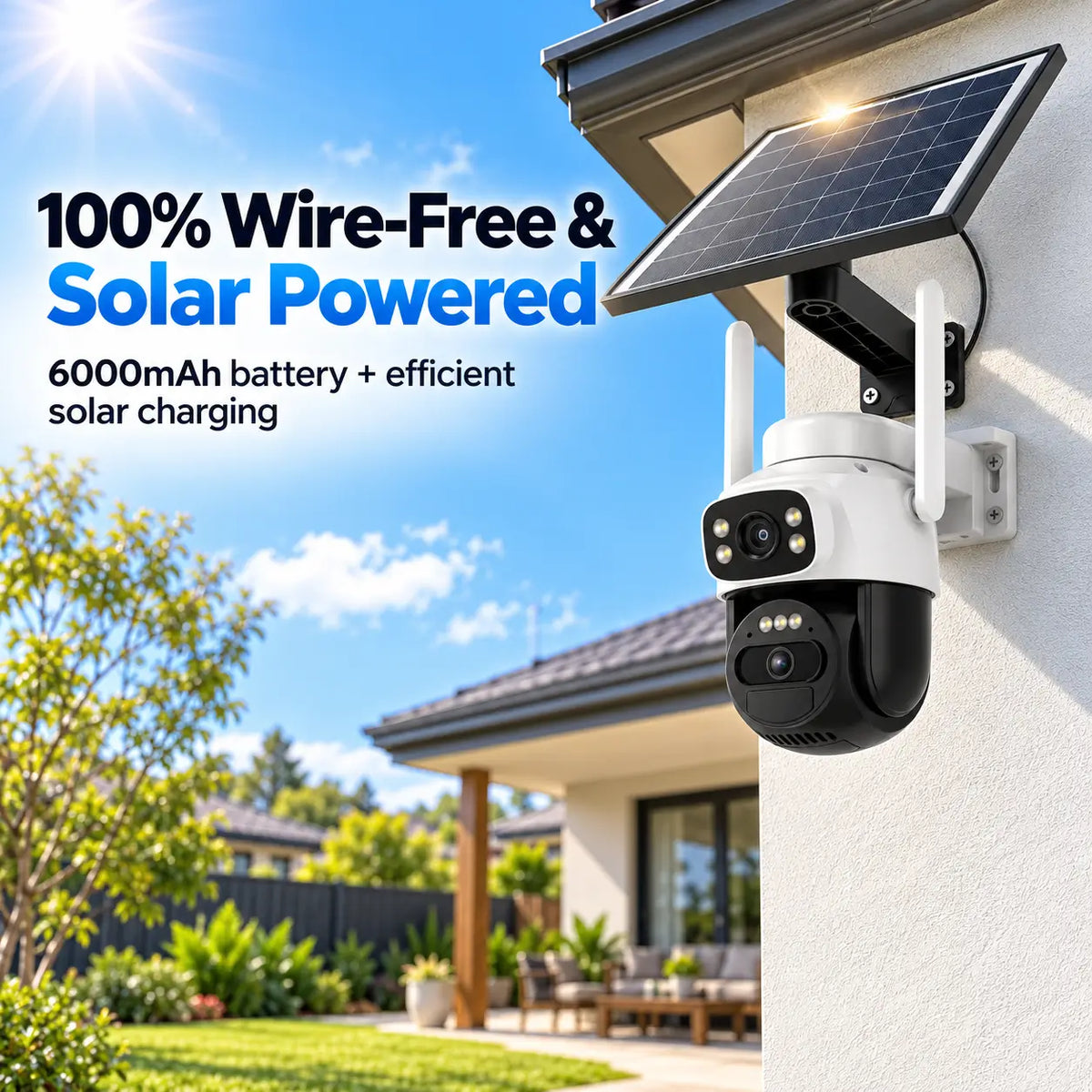
Read the assumptions behind battery-life claims. Recording frequency, lighting, remote viewing, communication and motorised movement can affect consumption.
Compare usable energy where available, remembering that mAh figures need voltage context. A higher number across different models does not establish longer real-world operation.
Before ordering: Check whether the claimed endurance reflects a workload similar to yours and how low battery is reported. F04 explains the relevant specifications.
7. Check the Complete Solar Charging Arrangement
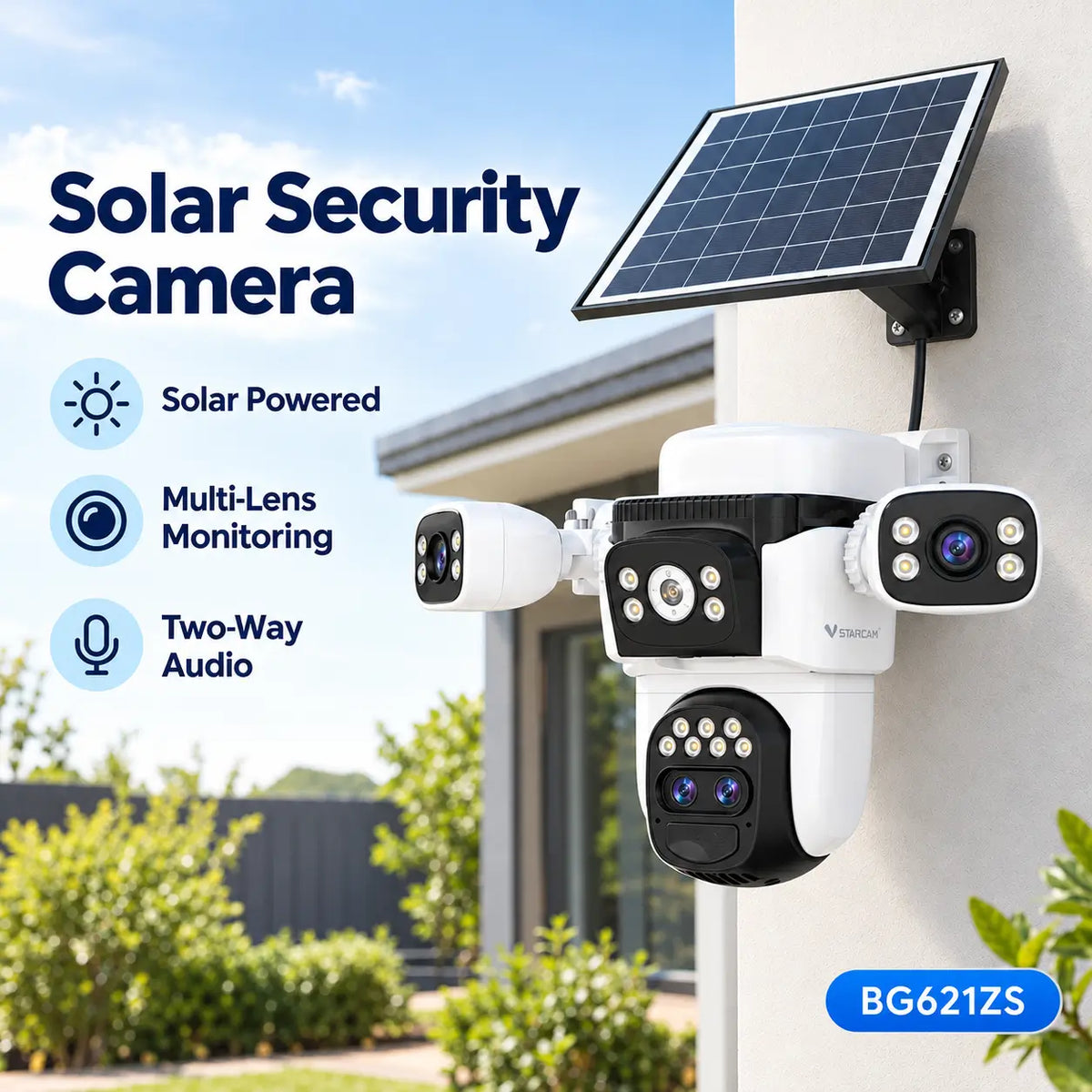
Confirm whether the panel is included, integrated or separate. Establish whether it can receive useful sunlight at your property throughout changing seasons, not just on a clear summer afternoon.
For an external panel, check the approved cable arrangement and compatibility. Matching connectors alone do not establish suitability. Shade, poor weather and frequent activity can prevent a panel from maintaining charge; see manufacturer charging guidance.
Before ordering: Have a realistic charging location and a practical plan for occasional manual charging if required. F05 explains panel performance; Section 5 covers installation methods.
8. Establish Where Recordings Are Saved and Recovered
Check the supported memory card, internal storage or hub arrangement. Ask whether storage is included and how old footage is overwritten or retained.
If cloud storage matters, confirm the supported service, plan and retention period. Footage stored only inside a stolen camera may be lost; cloud protection applies to recordings successfully uploaded and retained.
Also check remote playback, downloads and offline recording behaviour. Local storage does not automatically establish full offline operation.
Before ordering: Know how an important clip will be found and saved after an incident. T05 compares storage options.
9. Review Detection, Notifications and Warning Controls
Confirm the detection categories you need, such as people or vehicles, and whether any require a subscription. PIR sensing, image classification and automatic tracking are different capabilities.
Check detection zones, sensitivity, schedules and notification controls where supported. If lighting or sirens are important, confirm whether automatic activation must be enabled and whether these responses can be controlled separately.
Before ordering: Know which events should create alerts and how routine activity will be managed. Avoid assuming that every PTZ camera tracks automatically or that every siren operates by default.
10. Match Outdoor Protection and Mounting to the Environment
Review declared enclosure ratings and operating and charging temperature limits. Check the panel, cable and connector requirements as well as the camera housing.
An IP rating does not establish suitability for every coastal, dusty or exposed location. Ask about relevant environmental limits rather than interpreting the word waterproof as unlimited protection.
Confirm that a suitable bracket and mounting arrangement are available, with realistic access for cleaning and servicing.
Before ordering: Ensure the equipment suits the environment and can be maintained safely. F07 explains IP classifications.
11. Check the App, Account Controls and Support
Verify phone compatibility and how multiple cameras are managed. If other household members or staff need access, check the supported sharing permissions and available account protections.
Ask which functions depend on an online platform and what happens if connectivity or a service becomes unavailable. Review software support, accessory availability and the supplier's process for resolving faults.
Before ordering: Confirm that the camera can be operated and supported in the way you expect. F09 discusses app features; AU05 covers warranty and Australian consumer rights separately.
12. Calculate the Final Cost and Confirm the Selected Offer
Add the camera, approved panel, storage, mounts, network improvements and installation requirements. Include expected mobile data and optional subscriptions over the same period for each shortlisted system.
Verify the seller, model, condition, regional version and package contents. On Amazon Australia or another marketplace, the actual seller and selected offer matter as well as the platform name.
Check the final payable total, delivery conditions, warranty information and the process for returns. Resolve any essential missing specification in writing before ordering.
Before ordering: Compare complete usable systems, not headline prices. G05 provides dated Australian purchase-price examples.
Final Purchase Review
Use this short record alongside the twelve checks above.
| Decision area | Ready to purchase when |
|---|---|
| Monitoring and coverage | The important areas and required detail are defined |
| Network and power | A suitable connection and charging arrangement are realistic |
| Recording and storage | Required footage can be captured, retained and recovered |
| Controls and maintenance | Alerts, access and servicing suit the intended use |
| Package and cost | Essential inclusions and the final cost are understood |
If an essential answer remains uncertain, ask the supplier before placing the order. A clear confirmation is more useful than assuming that a familiar product term includes every function you need.
Final Thoughts
A suitable solar security camera should provide useful monitoring within the property's network, sunlight and maintenance conditions. This checklist helps turn a promising product listing into a purchase based on confirmed requirements.
Compare SolarEasy's solar security camera range, check the current model specifications and resolve important questions before ordering. Once the selection is clear, continue to the installation guides for setup planning.
About SolarEasy
SolarEasy is an Australian-owned online retailer specialising in solar powered products for homes, gardens and outdoor applications.
Our Solar Powered Security Camera Information Hub helps Australian customers understand their options and make informed purchasing decisions.