
Solar Powered Security Camera Information Hub | Section 3: Features & Technology Explained
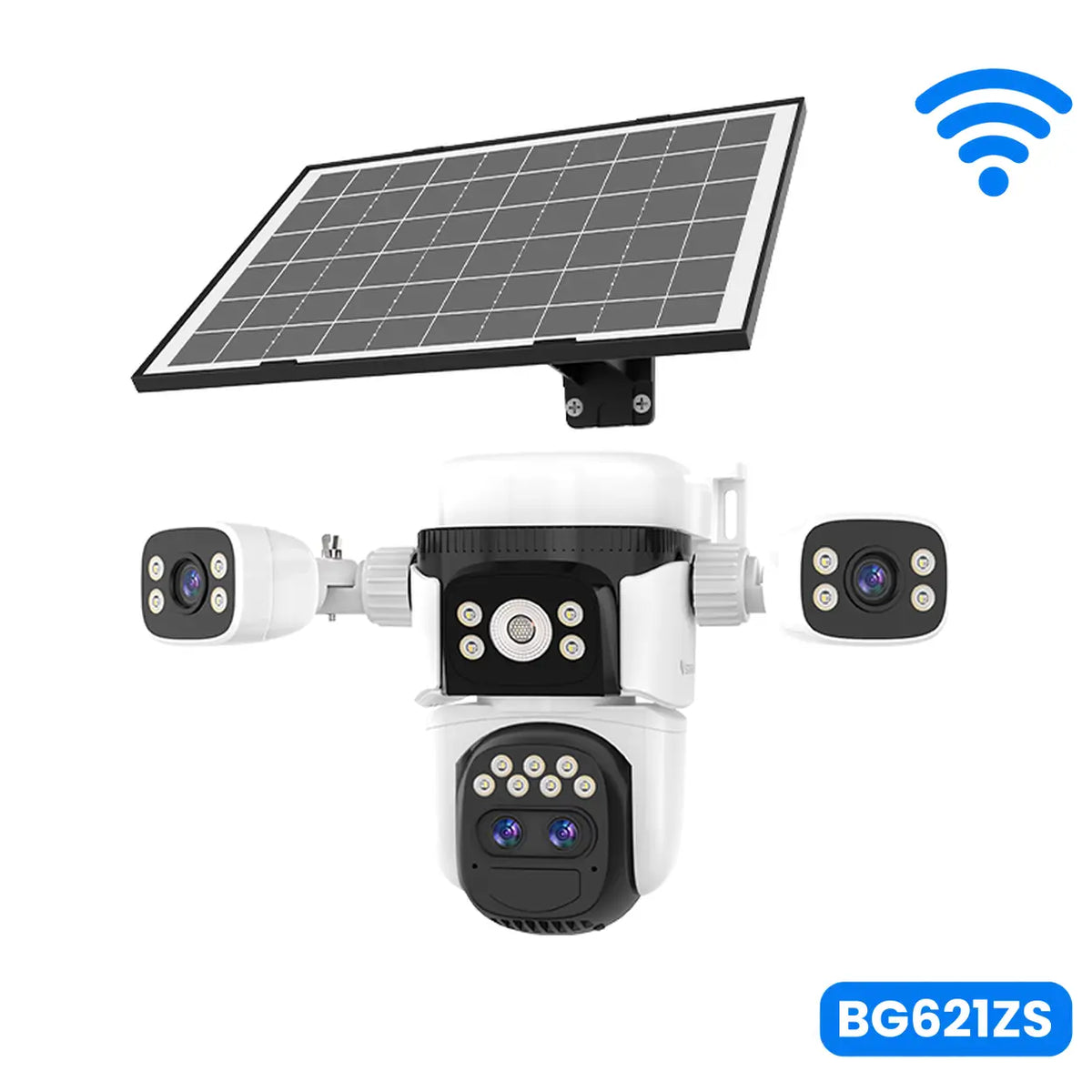
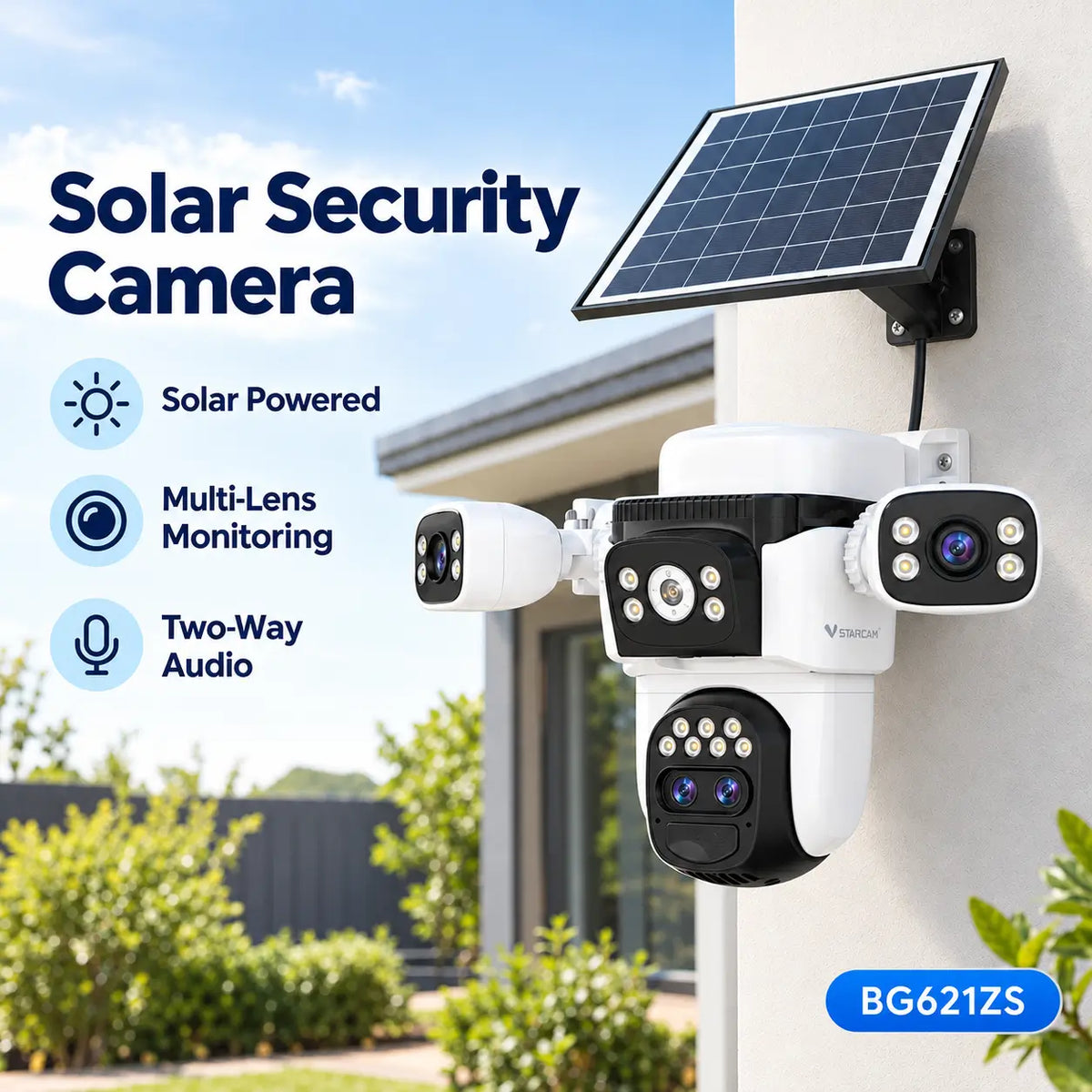
A modern solar powered security camera is more than a camera mounted on an outdoor wall. For many users, the smartphone application is the main way to access and control the system.
Through a compatible mobile app, homeowners can often view live footage, receive activity notifications, review recordings and manage camera settings from their phones.
Some camera models also support remote pan-and-tilt control, two-way communication and other functions.
However, not all mobile applications provide the same features, and not every camera supports every option displayed in an app.
For Australian homeowners, builders and rural property owners, understanding the mobile app experience is an important part of choosing a suitable solar security camera.
1. What Is a Solar Security Camera Mobile App?
A solar security camera mobile app is software designed to communicate with a compatible camera system.
It normally runs on a smartphone or tablet.
Depending on the manufacturer, the app may allow users to:
- View live video
- Receive security notifications
- Review saved recordings
- Check battery status
- Adjust selected camera settings
- Communicate through two-way audio
- Control supported PTZ cameras
Some manufacturers develop their own applications, while others use compatible third-party camera platforms.
A camera must support the selected application and its communication system.
Users should not assume that any security camera will work with any camera app.
2. Live View: Watching Your Property Remotely
Live View allows users to watch video transmitted from their security camera.
For example, a homeowner travelling interstate may open the camera app to check the front entrance or driveway.
A builder may use live view to inspect activity at a temporary construction site.
The camera transmits video through its network connection, and the application displays the footage.
What Affects Live View Quality?
Live viewing depends on several factors.
Camera Resolution
The camera's imaging hardware determines the detail available in the original footage.
Network Performance
Weak Wi-Fi or mobile network connectivity can cause delays, interruptions or reduced video quality.
Video Compression
The camera may compress video to reduce data usage and improve transmission.
Smartphone Connection
The user's phone also needs a suitable connection to receive the footage.
Does Live View Use Battery Power?
Yes.
Live viewing requires the camera to capture, process and transmit video.
Extended viewing sessions may increase energy consumption, especially on battery-powered solar models designed for occasional motion-triggered recording.
3. Motion Notifications and Security Alerts
Notifications are among the most useful mobile app functions.
When a compatible camera detects qualifying activity, it may send an alert to the user's smartphone.
For example, a homeowner may receive a notification when someone approaches the garage.
Depending on the camera and app, notifications may include:
- Motion detected
- Person detected
- Camera offline
- Low battery
- Other supported security events
The available notification categories depend on the camera's detection capabilities.
Why Are Notifications Important?
Notifications allow users to become aware of relevant activity without constantly watching the camera.
However, a notification does not guarantee that the detected event represents a security threat.
Users should review the available footage before drawing conclusions.
Why Might Notifications Be Delayed?
Notifications may be delayed by poor connectivity, mobile operating system restrictions, app settings or cloud service performance.
A camera can sometimes record an event successfully even when a push notification does not arrive immediately.
4. Reviewing Recorded Footage
Many solar security camera apps allow users to review previously recorded events.
Depending on the camera, recordings may be available through a local memory card, cloud service or both.
The application may display an event timeline, recording list or calendar.
Users can then select a recording to review.
Some apps also support downloading or sharing clips.
However, these functions vary by model and storage service.
A camera that supports live view does not necessarily include free cloud recording or unlimited video history.
For a detailed comparison of storage options, see T05 – Solar Security Cameras with Local Storage vs Cloud Storage: What's the Difference?
5. Remote PTZ Camera Control
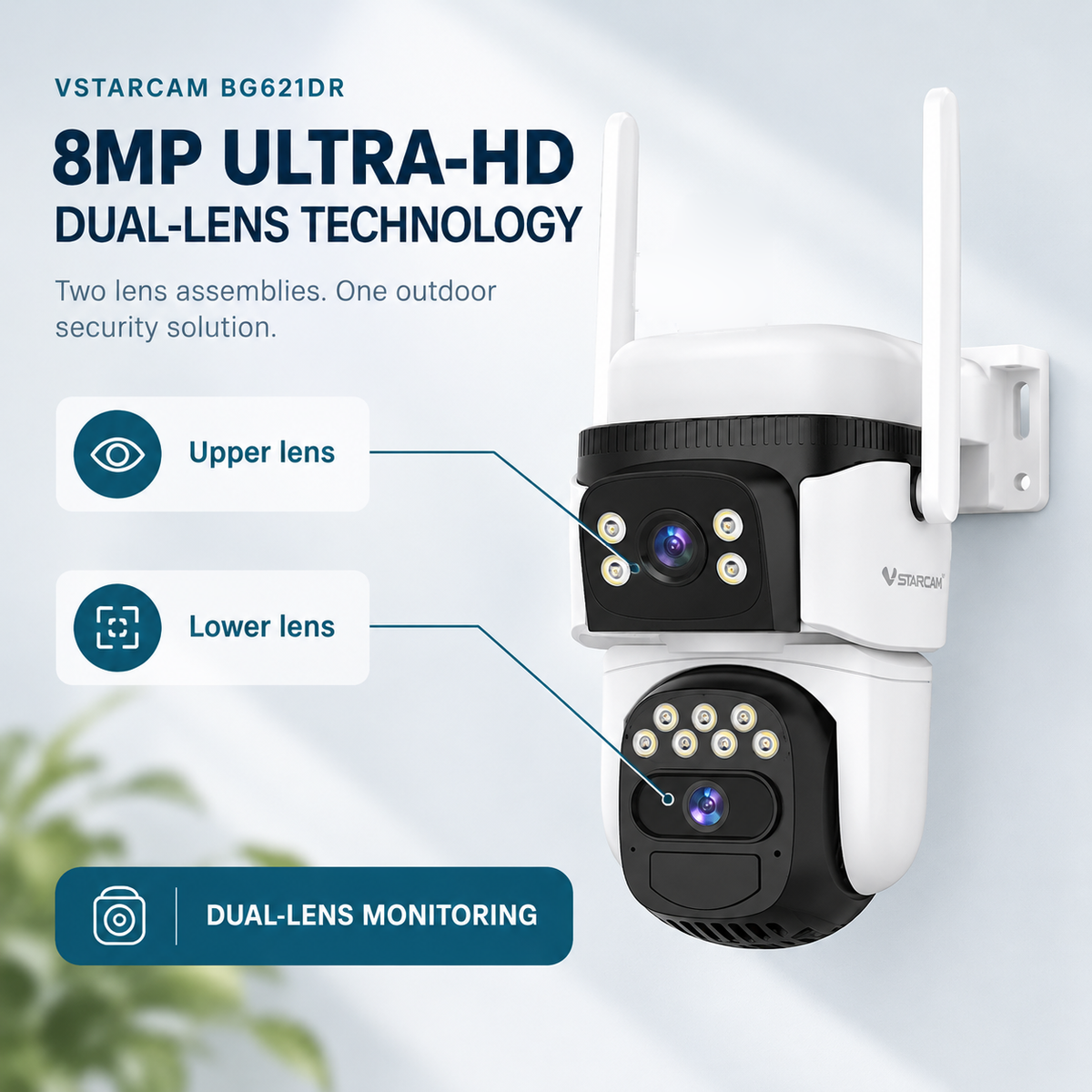
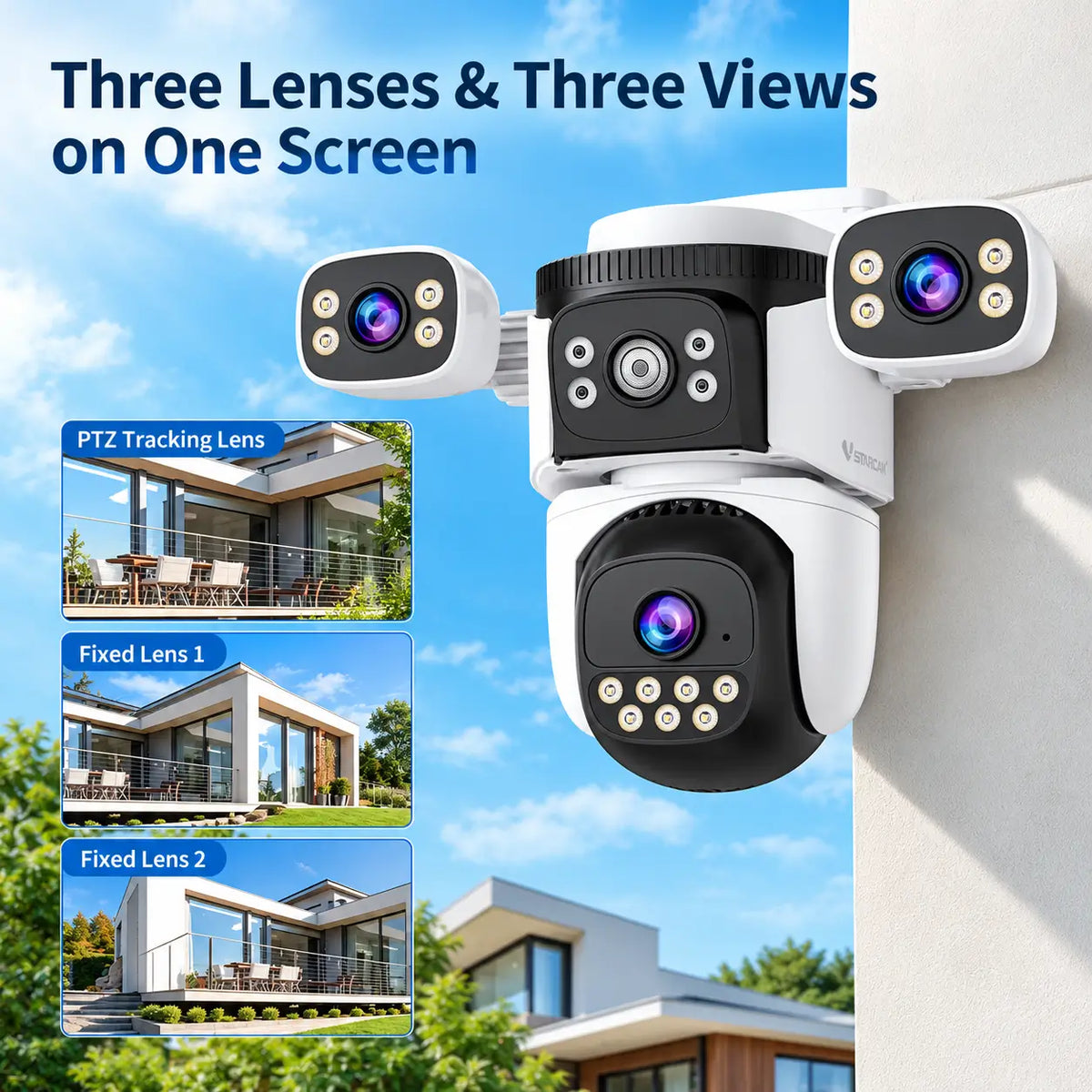
Some solar security cameras include motorised pan-and-tilt functionality.
When supported, the mobile app may allow users to adjust the camera's viewing direction remotely.
For example, a homeowner may turn a camera towards the driveway or inspect another part of the backyard.
Common controls can include:
- Pan left or right
- Tilt up or down
- Return to a preset position
- Activate supported tracking functions
The available movement range depends on the camera's mechanical design.
A fixed-lens camera does not become a PTZ camera simply because its mobile application contains PTZ controls for other models.
Similarly, automatic tracking and manual PTZ control are different features.
6. Two-Way Audio Through the App
If the camera contains a compatible microphone and speaker, the app may support two-way communication.
Users can listen to sounds near the camera and speak through its built-in speaker.
For example, a homeowner may communicate with a visitor at the front entrance.
Some applications provide push-to-talk controls, while others support more natural simultaneous conversation.
Audio quality depends on the camera hardware, surrounding noise and network conditions.
For a detailed explanation, see F06 – Two-Way Audio in Solar Security Cameras: How It Works and Why It Matters.
7. Battery Monitoring and Camera Settings
Battery monitoring is particularly relevant for solar powered security cameras.
Some mobile applications display the camera's approximate remaining battery charge.
This can help users recognise whether the camera is maintaining adequate power.
However, battery percentages are estimates and may not represent exact remaining operating time.
Depending on the camera, the app may also provide settings for:
- Motion detection sensitivity
- Recording duration
- Night vision mode
- Notification preferences
- Camera status
- Firmware updates
The availability of these controls depends on the specific model.
Users should follow the manufacturer's guidance when changing settings that affect power consumption or security monitoring.
8. Multiple Cameras in One Application
Australian homeowners may install several security cameras around a property.
For example:
- One camera at the front entrance
- One camera overlooking the driveway
- One camera monitoring the backyard
Some mobile applications allow users to manage multiple compatible cameras from one account.
This can make it easier to switch between locations and review activity.
Certain apps may also provide a multi-camera viewing layout.
However, simultaneous live viewing may require additional bandwidth and device resources.
Compatibility should be checked before purchasing several camera models for the same system.
9. Mobile Apps for Farms and Construction Sites
Remote access can be particularly useful when users cannot visit a property frequently.
Rural Properties
A farm owner may use a mobile app to check a gate, equipment shed or other monitored location.
Where the camera uses a mobile network, reliable coverage and an active data service are important.
Construction Sites
A small builder may use a camera app to inspect activity at a temporary building site.
Notifications and recorded events can provide information about activity when the builder is elsewhere.
However, a camera app is not a substitute for appropriate site security procedures or professional monitoring where required.
10. App Security and Privacy
A camera's mobile application can provide convenient remote access, but it also introduces cybersecurity considerations.
Users should choose cameras from suppliers that provide clear software support and security information.
Good practices include:
Use Strong Account Passwords
Avoid reusing passwords from other online services.
Enable Multi-Factor Authentication Where Available
Additional authentication can help protect camera accounts.
Keep Software Updated
Install legitimate firmware and app updates that address security or performance issues.
Review Account Sharing
Only provide camera access to trusted people who need it.
Understand Data Handling
Check the provider's privacy policy and the information collected or stored by its services.
Buyers should also consider whether a camera's remote features depend on an ongoing cloud platform.
11. What Should Buyers Check Before Choosing a Camera App?
A camera may have impressive hardware specifications but provide a frustrating experience if its app is unreliable or difficult to use.
Before purchasing, consider:
- Whether the app supports your smartphone
- Whether the camera is compatible with the advertised app
- Whether remote live view is supported
- Which notifications are available
- Whether recordings can be reviewed and downloaded
- Whether subscriptions are required for particular functions
- Whether software updates and technical support are provided
App features can change through software updates, so buyers should check current manufacturer information.
12. Common Questions About Camera Apps
Can I View My Solar Camera from Anywhere?
Remote viewing is generally possible when the camera and smartphone have suitable internet connectivity and the service supports remote access.
Can One App Manage Multiple Cameras?
Many apps support multiple compatible cameras, but the exact limits and features vary.
Do I Need to Pay for the Camera App?
Some basic functions may be free, while cloud storage or advanced services may require subscriptions.
Can I Use a Different App?
Only if the camera supports that application or a compatible integration.
Will the Camera Stop Working If the App Service Is Unavailable?
The effect depends on the system. Certain local recording functions may continue, while remote access or notifications may be unavailable.
Final Thoughts
The mobile application is an important part of the overall solar security camera experience.
Live viewing, notifications, recording playback, battery monitoring and remote controls can make outdoor security monitoring more convenient.
However, app capabilities vary between camera models and manufacturers.
For Australian homeowners, builders and rural property owners, choosing a suitable solar security camera means considering both the hardware and the software used to manage it.
A reliable camera app should provide clear controls, dependable access and appropriate account security—not simply the longest list of advertised features.
About SolarEasy
SolarEasy is an Australian-owned online retailer specialising in solar powered products for homes, gardens and outdoor applications.
Our Solar Powered Security Camera Information Hub provides practical information for Australian homeowners, builders and rural property owners.
Explore our solar powered products at SolarEasy.