
Solar Powered Security Camera Information Hub
An Australian home can have several areas that are difficult to see from inside: a front gate, a driveway beside the house, a rear entertaining area or a narrow passage leading to the backyard. Solar security cameras can help householders check activity in these locations without running a power cable to every camera.
The most useful starting point is a practical question: what do you want to see, and what will you do with that information? A camera positioned to show whether someone has entered a side gate has a different job from one overlooking an entire front garden.
This guide explains how cameras can fit into everyday home security. For specifications and purchasing comparisons, see G02 – Best Solar Security Cameras for Australian Homes: What to Look For.
1. Give Each Camera a Clear Job
Walk around your property and identify the routes people normally use. Include deliveries, visitors, family vehicles, garden access and detached buildings. Then decide which activities need a clear view.
| Area | Practical monitoring purpose | Important limitation to test |
|---|---|---|
| Front entrance | See visitors approaching and review delivery activity | Faces may be unclear in backlight or from an overhead view |
| Driveway and garage | Review vehicle arrivals and activity near parked cars | A wide overview may not reveal fine details |
| Backyard | Check access to outdoor areas and rear doors | Vegetation, distance and lighting affect useful coverage |
| Side passage | Review movement through a gate or access route | Narrow spaces can restrict placement and sunlight |
| Detached shed | Check approach to stored equipment | Household Wi-Fi may not reach the building |
One camera can sometimes cover more than one purpose, but a larger field of view does not guarantee useful detail everywhere. Test what the recording actually shows at the point that matters.
2. Use Front-Entrance Monitoring for Everyday Awareness
A front camera can help you check who has approached while you are elsewhere in the house or away from home. It can also provide a record of a parcel being left or collected, provided that the relevant area is visible and recording is triggered successfully.
Consider both the approach and the doorstep. A view that shows someone walking along the path may lose sight of them under a deep verandah. A camera aimed too widely may show the street clearly but leave the parcel area as a small part of the image.
If the camera supports two-way audio, it may help with a brief conversation. Test it in normal conditions rather than assuming that every voice will be clear beside traffic or in wind. Remote access also depends on the camera's connection and the phone's internet access.
Use alerts to support awareness, without treating a notification as proof of what happened. Open the recording and check the context.
3. Make Driveway Coverage Match Your Purpose
Driveways often combine several activities: arriving visitors, parked vehicles, garage access and family members walking between the car and the house. Decide whether the main purpose is a general arrival view or detail around a particular parking space.
For a typical double garage, a useful view might show someone approaching the garage and moving between the cars. That does not mean the same camera will reliably identify a registration plate at the property boundary, especially at night or when a vehicle is moving.
Test with headlights on and with the garage door both open and closed. Look for glare, blocked views and areas concealed by parked vehicles. For more detailed layout examples, see A02 – Solar Security Cameras for Driveways and Garage Entrances.
4. Cover Rear and Side Access Thoughtfully
Backyards may contain external doors, tools, bicycles and access to a shed. Side gates can provide an approach route that is almost invisible from the living areas. A focused camera view can make these spaces easier to check.
Avoid trying to monitor every square metre with one distant camera. Start with the route or doorway that matters most. A rear-door view and a gate view may be more useful than an attractive but distant panorama of the whole garden.
Moving foliage and regular family activity can produce unwanted alerts. Where supported, adjust detection areas and notification settings while checking that the important access route still triggers a recording. Do not remove meaningful coverage simply to make the phone quieter.
Aim coverage towards your own monitoring purpose and minimise unnecessary views beyond it. Recording and audio requirements vary by location and circumstances; the dedicated Australian privacy article will address those considerations separately.
5. Plan Solar Charging and Connectivity Together
A suitable camera view, sufficient sunlight and a stable network connection must work at the same location. A convenient mounting point can fail one of these tests.
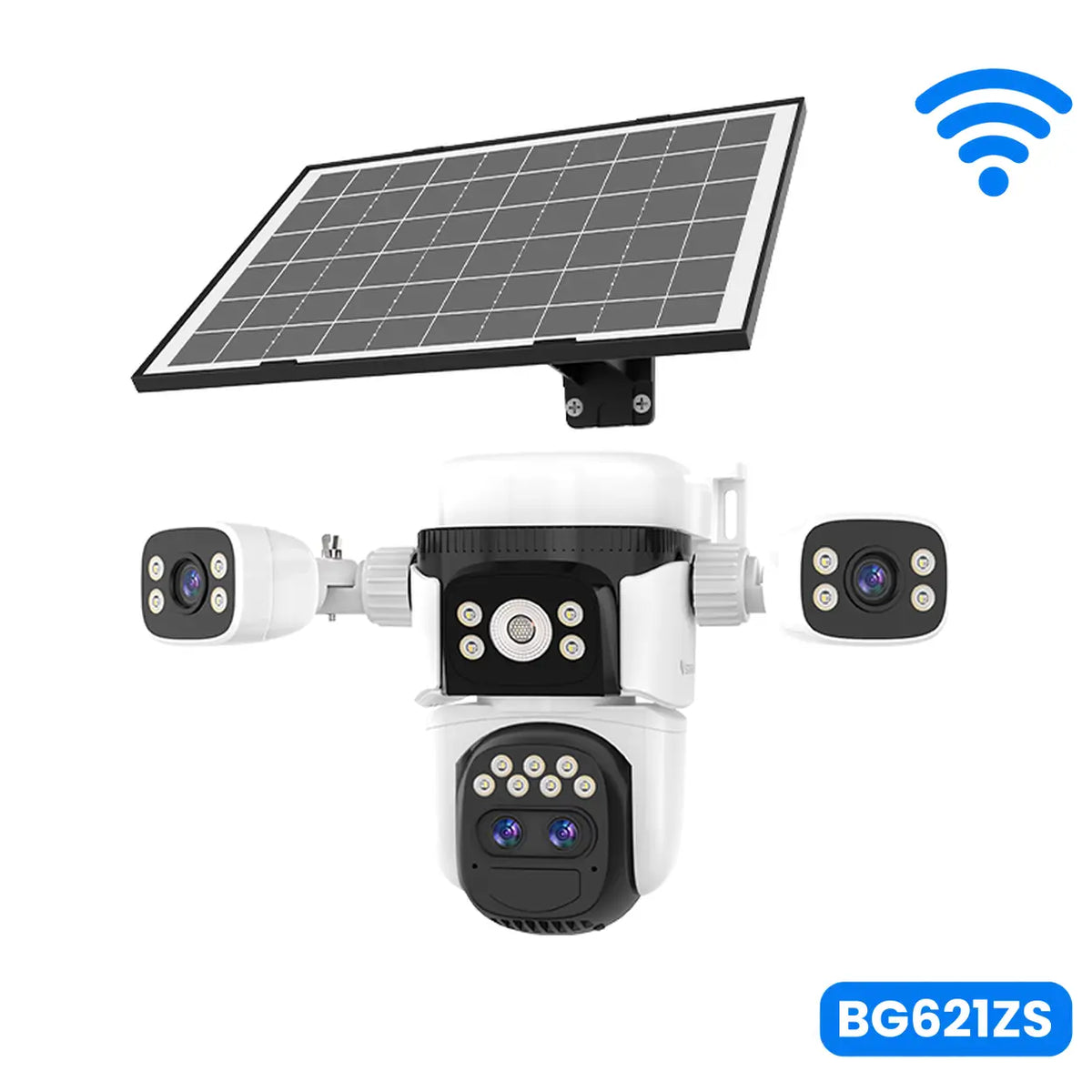
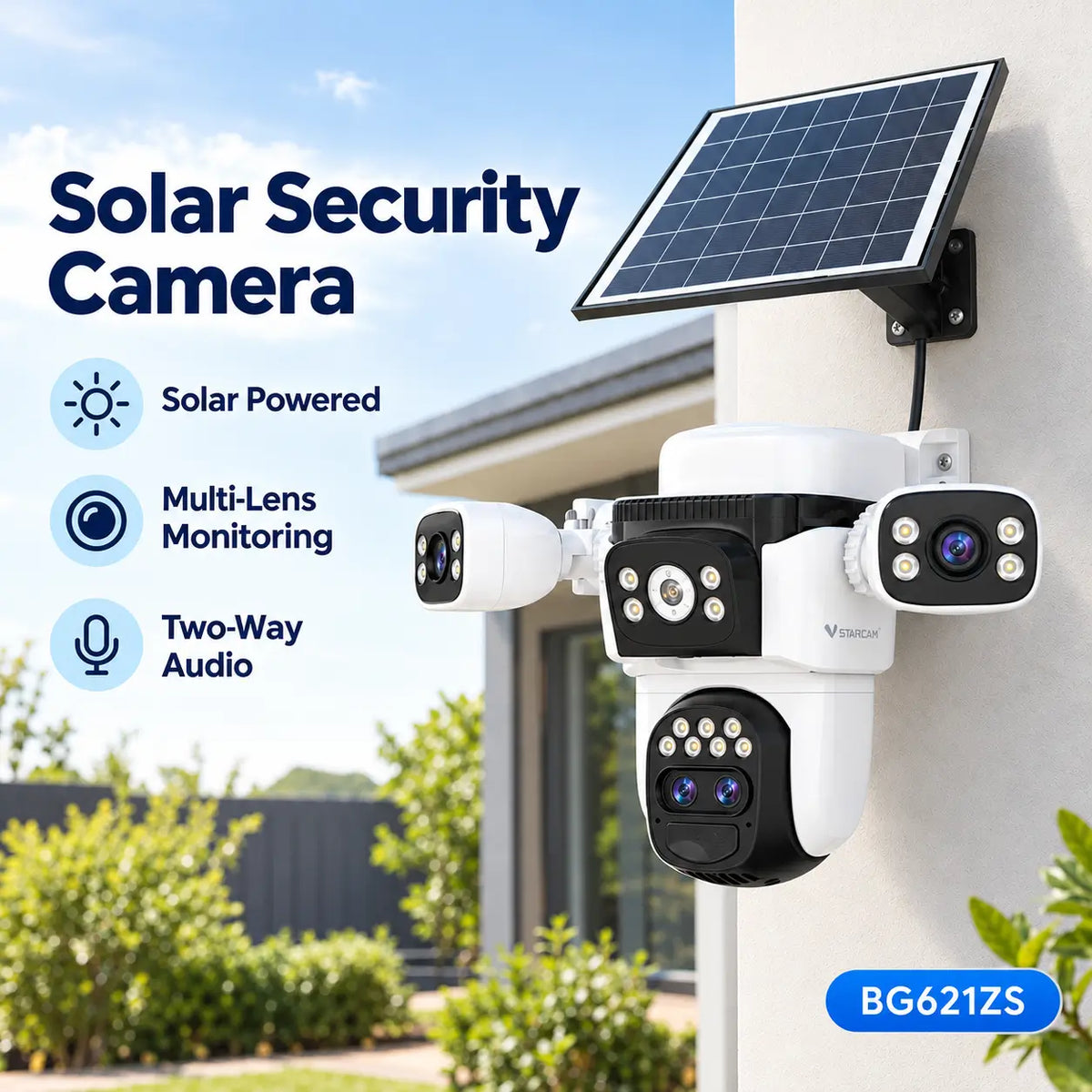
For example, a camera under a verandah may see the entrance well but receive little direct sunlight. A model with a separate compatible panel may allow the camera and charging position to be planned independently, subject to cable length and mounting instructions.
In Australia, assess a clear view towards true north as a starting point for panel placement, then check local shading and seasonal changes. A roof edge or tree can shade the panel differently in winter. Follow the model's charging and temperature requirements.
Do not assume that working broadband inside the house provides reliable outdoor Wi-Fi. nbn's home internet guidance discusses router placement and options such as mesh networks for improving coverage. Test the camera at its actual mounting position before relying on it.
A compatible 4G camera may suit a detached area without suitable Wi-Fi, but it requires usable mobile coverage and an appropriate active data service. Solar power supplies energy; it does not supply an internet connection.
6. A Practical Example: A Suburban Family Home
Consider an illustrative single-storey home with a double garage, a side gate and a rear shed. The household wants to review arrivals and know whether anyone has used the side access.
The first camera could focus on the driveway approach and garage frontage. The second could watch the side gate. Before adding a third camera at the shed, the household would check whether the existing views already cover its approach, whether sunlight is sufficient and whether connectivity reaches that far.
This is a planning example, not a fixed recommendation for every home. A corner block, long driveway or differently positioned gate could need another arrangement. The useful outcome is clear coverage of priority routes, rather than a predetermined number of devices.
7. Build a Manageable Alert and Recording Routine
Agree who in the household will receive alerts and who will maintain the system. Use authorised sharing features where available rather than passing one account password between several people.
After installation, walk through each monitored route during the day and after dark. Check that an event is recorded, the notification arrives when enabled, and the saved clip can be opened later. Live video alone does not establish that recording works.
Understand the model's recording behaviour. Many battery-powered cameras use event-based recording, and timing, clip length and retrigger behaviour vary. If uninterrupted recording is essential, verify that requirement explicitly rather than assuming solar charging provides it.
Keep important footage before routine overwrite removes it. Review recordings in context, and avoid assuming that a person is acting suspiciously solely because an alert was triggered.
8. Combine Cameras with Other Home Security Measures
Cameras can provide visibility and useful records, but they do not physically secure a door or gate. Keep locks, access control and outdoor lighting in the same household plan.
The Queensland Police Service home security guidance includes locks, lighting and cameras among a wider range of protective measures. This supports treating camera coverage as one part of home security rather than a guarantee against theft.
Review the arrangement when you move furniture outdoors, change fencing, park a larger vehicle or complete landscaping. A camera can remain online while its useful view becomes blocked.
Final Thoughts
Solar security cameras can help Australian households check entrances, review activity and monitor areas where installing a power cable is inconvenient. Their value comes from a clear purpose, a usable view, dependable charging and connectivity, and recordings that can be retrieved when needed.
Begin with the property's most important access routes. Test those routes in realistic conditions, keep alerts manageable and maintain the equipment alongside the home's other security measures.
About SolarEasy
SolarEasy provides educational information to help Australian readers understand solar-powered security cameras and plan their use around everyday property needs.